


Learn SQL from scratch: a complete course built around a family budget
Shanraq’s new course explains SQL through a familiar everyday problem: keeping track of household income and spending. Across 13 practical lessons, learners progress from a first table to an auditable report, an index, and a verified backup. Queries can be run directly in a browser on a computer, tablet, or phone.
Tables appear throughout daily life: bank transactions, purchases, timetables, grades, stock records, and sensor readings. A small list can be inspected by hand. As the data grows, we need precise answers: how much was spent this month, which category exceeded its limit, whether records were duplicated, and whether the total reconciles. SQL is the language used to ask relational databases such questions.
The new Shanraq course is not organized as a dictionary of commands. Every topic contributes to one project: a family-budget database containing accounts, categories, and transactions. Each new query solves a recognizable problem in that project.
Why the course starts with SQLite
A database is more than a file containing tables. It is an organized store with enforceable rules. A database management system saves records, checks constraints, connects tables, and executes queries. SQL describes the result we need without requiring us to inspect every row manually.
SQLite was chosen for the first encounter. It requires no separate server or complicated setup: a database fits in one file, while the engine can be embedded in desktop and mobile applications. The tables, keys, constraints, transactions, indexes, and queries are real. The same core concepts later apply to PostgreSQL and other server databases.
The course does not present SQLite as a universal replacement for a server database. A system with many concurrent writers, network users, and complex access control needs a different tool. For learning, personal projects, prototypes, and local storage, however, SQLite is a practical starting point.
What the 13 lessons cover
Learners first translate everyday concepts into a data model: one transaction becomes one row, its properties become columns, and a missing value is kept distinct from zero. They then create a schema and enforce rules using NOT NULL, CHECK, UNIQUE, and foreign keys.
The following lessons introduce:
- adding data safely with parameters;
- selecting rows with
SELECT,WHERE,ORDER BY, andLIMIT; - calculations, dates,
CASE, andCOALESCE; - category totals with
SUM,COUNT,GROUP BY, andHAVING; - relationships between tables and
JOIN; - subqueries and common table expressions;
- window functions and running totals;
- all-or-nothing transactions;
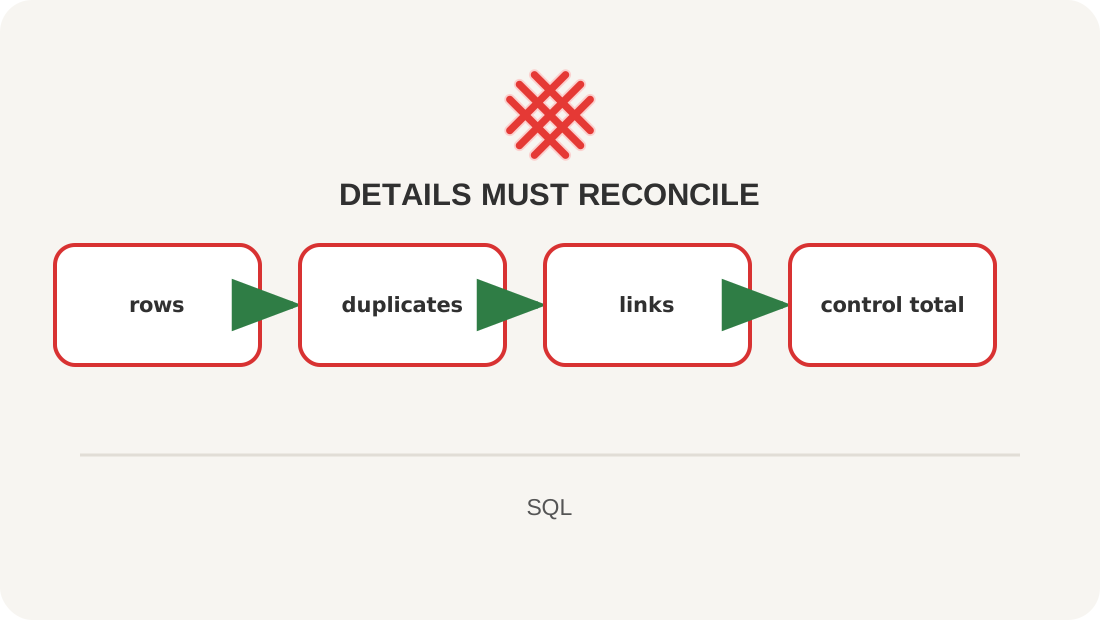
- reconciliation of rows, relationships, duplicates, and control totals;
- indexes,
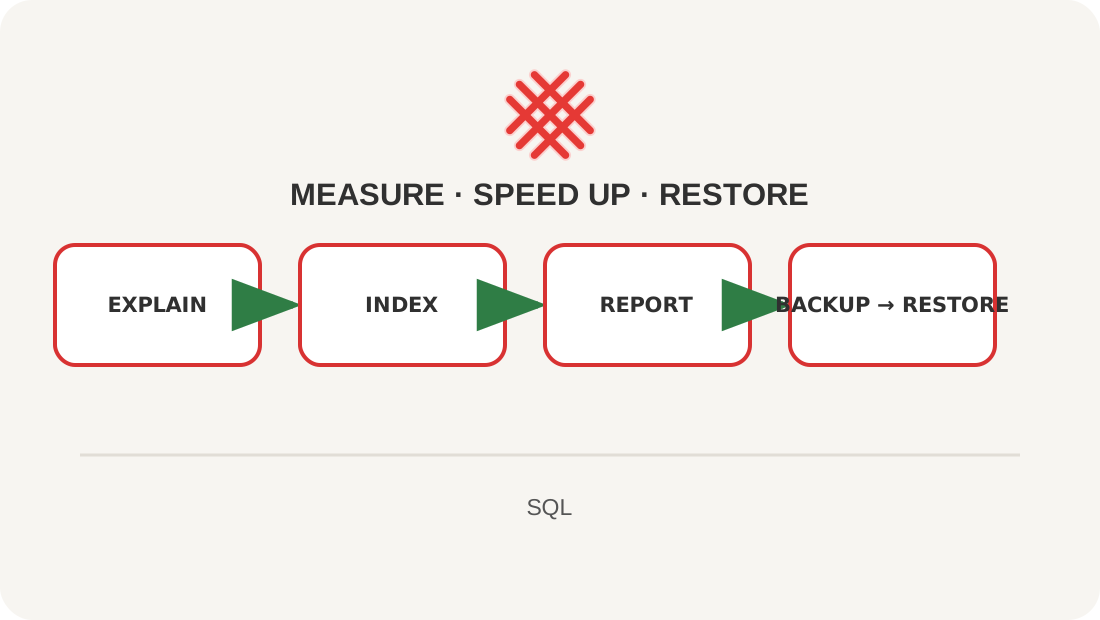
EXPLAIN QUERY PLAN, a report, and a tested backup.
The final lesson assembles these skills into a finished project. The objective is not to memorize every operator. It is to design a small database, give it verifiable rules, obtain a meaningful result, and restore its data from a backup.
How learning is structured
Each lesson moves from the whole to its parts. It begins with a problem and the expected result. The query is then examined piece by piece; learners predict its behavior, run it, change the conditions, and explain the outcome in their own words.
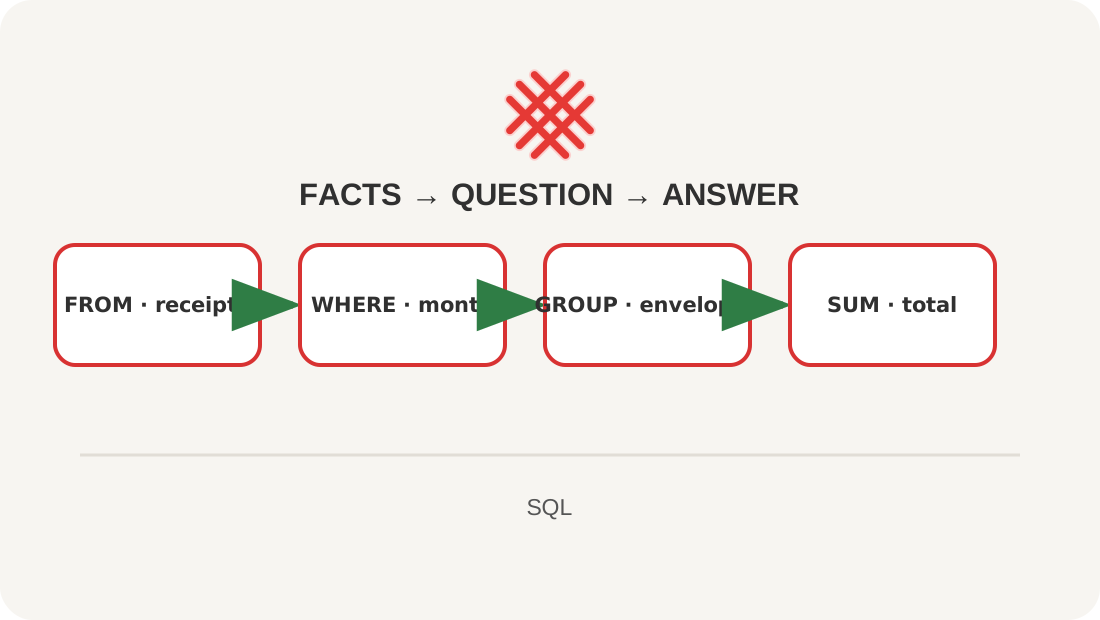
The visual support maps draw on the idea of reference signals associated with Viktor Shatalov’s teaching method. A large topic is compressed into a short visual sequence, such as FROM → WHERE → GROUP BY → SUM. A map does not replace explanation or practice. It helps learners reconstruct the logic after a break and connect each new step to the project.
Query failures are treated as part of learning. Getting an answer is not enough: learners also check whether a join lost rows, whether records multiplied, whether foreign-key enforcement is enabled, and whether a result agrees with an independent control total.
Who can benefit
A school student can move from abstract tables to a project grounded in everyday life. A university student gains a foundation for data analysis, application development, and server databases. Engineers and specialists in other fields can learn to inspect logs, measurements, catalogues, and reports without waiting for a developer to prepare every export.
No prior programming knowledge is required. Learners only need to be comfortable working with files and willing to type the queries themselves. The lessons are best taken in order because the model and constraints introduced at the beginning are used throughout the later exercises.
Practice on a phone, tablet, or computer
The course includes a browser-based SQL lab. It runs SQLite on the learner’s device, creates the sample database, and presents query results as a table. The data is not sent to the Shanraq server.
The lab is useful for short practice without installing software. Browser storage should not be treated as the only reliable copy, however: clearing browser data or ending a session may remove changes. The lab therefore supports downloading and restoring a .sqlite file.
How to get more from the course
Do not stop at reading a finished query. Before running it, predict the number of rows and the total; then change a date, amount, or category. Once the result is correct, try inserting an invalid record and observe which constraint rejects it. This connects syntax to purpose instead of leaving it as a list of keywords.
Start with the SQL course map, or open the browser SQL lab for a quick exercise. Registration is not required to read the lessons or run the examples. An account is useful for discussing the material, asking questions, and leaving feedback in the comments.
Resources
If you have found a mistake or a typo in this article, tell us about it
Comments (0)
Log in to leave a comment →
No comments yet. Be the first.