


INSERT and parameters: add spending safely
Insert one or several transactions and keep user values separate from SQL code.
Why this matters
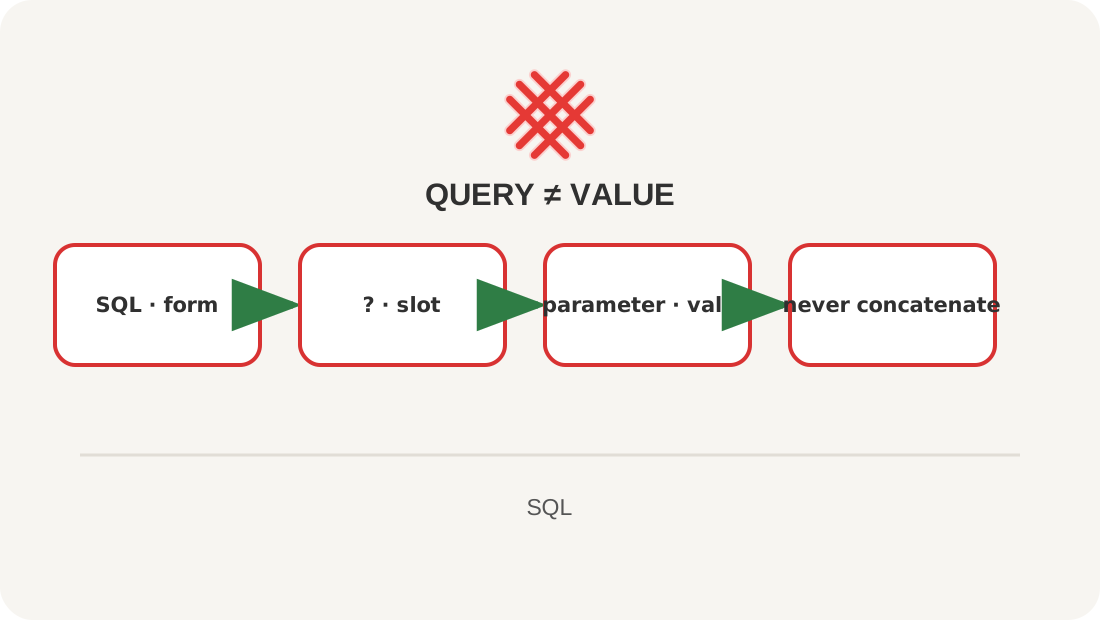
A note such as O’Reilly contains a quote. String concatenation can break a query or let hostile input change its meaning; parameters carry values separately.
Image. The query is a printed form and parameters fill its boxes; a value cannot draw another command on the form.
See the whole thing first
INSERT INTO transactions
    (account_id, category_id, happened_on, amount_tiyn, note)
VALUES
    (1, 2, '2026-09-15', 735000, 'Groceries');
Explanation
Always name inserted columns, so table order cannot change the meaning. A parameter replaces a value, not a table name, column, or sort direction. Choose identifiers from an application allow-list. INSERT OR REPLACE deletes the conflicting row before inserting; use UPDATE or an explicit ON CONFLICT clause when that is what you mean.
Lesson map
Say it in your own words
- Why list columns explicitly?
- What can a parameter replace?
- Why is SQL string concatenation dangerous?
Exercise
Add a 3,200.50 tenge Transport expense on 16 September from Card; convert it to tiyn before the query.
Where this fits in the project
seed.sql creates a repeatable fictional history; an application uses parameters and transactions.
Answers
Show the answers
db.execute(
    """INSERT INTO transactions
       (account_id, category_id, happened_on, amount_tiyn, note)
       VALUES (?, ?, ?, ?, ?)""",
    (1, 2, "2026-09-15", 735000, "O'Reilly book"),
)
INSERT INTO transactions
    (account_id, category_id, happened_on, amount_tiyn, note)
VALUES (1, 4, '2026-09-16', 320050, 'Transport');
Sources
If you have found a mistake or a typo in this article, tell us about it
Comments (0)
Log in to leave a comment →
No comments yet. Be the first.