


SUM, COUNT, GROUP BY, and HAVING: totals by category
Compress transactions into auditable totals and detect limits that were exceeded.
Why this matters
A list of receipts does not answer how much each category consumed. Aggregates calculate the answer while retaining a visible rule.
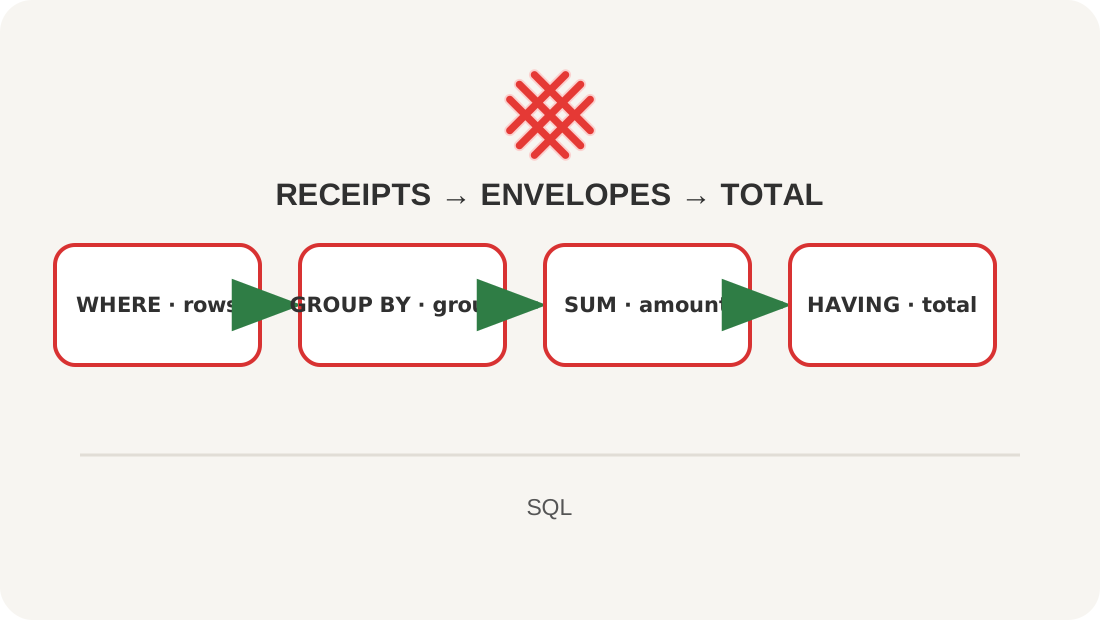
Image. GROUP BY puts receipts into envelopes; an aggregate counts each envelope; HAVING keeps envelopes based on their total.
See the whole thing first
SELECT c.name,
       COUNT(*) AS operation_count,
       SUM(t.amount_tiyn) / 100.0 AS spent_kzt
FROM transactions AS t
JOIN categories AS c ON c.id = t.category_id
WHERE c.kind = 'expense'
GROUP BY c.id, c.name
HAVING SUM(t.amount_tiyn) >= 1000000
ORDER BY SUM(t.amount_tiyn) DESC;
Explanation
WHERE filters source rows before grouping; HAVING filters groups afterwards. COUNT(*) counts rows, COUNT(column) counts non-NULL values, and SUM totals values. Every selected non-aggregate expression should identify the group. Group by stable category id as well as its readable name.
Lesson map
Say it in your own words
- When do WHERE and HAVING act?
- How do COUNT(*) and COUNT(note) differ?
- Why group by category id?
Exercise
Show expense categories whose September total exceeds monthly_limit_tiyn.
Where this fits in the project
These totals form the main budget dashboard and its limit warnings.
Answers
Show the answers
SELECT c.name,
       c.monthly_limit_tiyn / 100.0 AS limit_kzt,
       SUM(t.amount_tiyn) / 100.0 AS spent_kzt,
       (c.monthly_limit_tiyn - SUM(t.amount_tiyn)) / 100.0 AS left_kzt
FROM categories AS c
JOIN transactions AS t ON t.category_id = c.id
WHERE c.kind = 'expense'
  AND t.happened_on >= '2026-09-01' AND t.happened_on < '2026-10-01'
GROUP BY c.id, c.name, c.monthly_limit_tiyn
HAVING COUNT(*) >= 2;
Sources
If you have found a mistake or a typo in this article, tell us about it
Comments (0)
Log in to leave a comment →
No comments yet. Be the first.