


SQL: a family budget without guesswork Lesson 1 of 4
Window functions: a running balance without losing rows
Calculate the balance after every event and rank spending while keeping each source row.
Why this matters
GROUP BY collapses a month into totals. To find when cash was lowest, we need each transaction and its running context.
Image. GROUP BY folds a deck into one total; a window writes a running total on every card without discarding it.
See the whole thing first
SELECT t.happened_on, t.id, c.kind, t.amount_tiyn / 100.0 AS amount_kzt,
       205000.0 + SUM(CASE WHEN c.kind='income' THEN t.amount_tiyn ELSE -t.amount_tiyn END)
           OVER (ORDER BY t.happened_on, t.id ROWS BETWEEN UNBOUNDED PRECEDING AND CURRENT ROW)
           / 100.0 AS balance_kzt
FROM transactions AS t
JOIN categories AS c ON c.id = t.category_id
ORDER BY t.happened_on, t.id;
Explanation
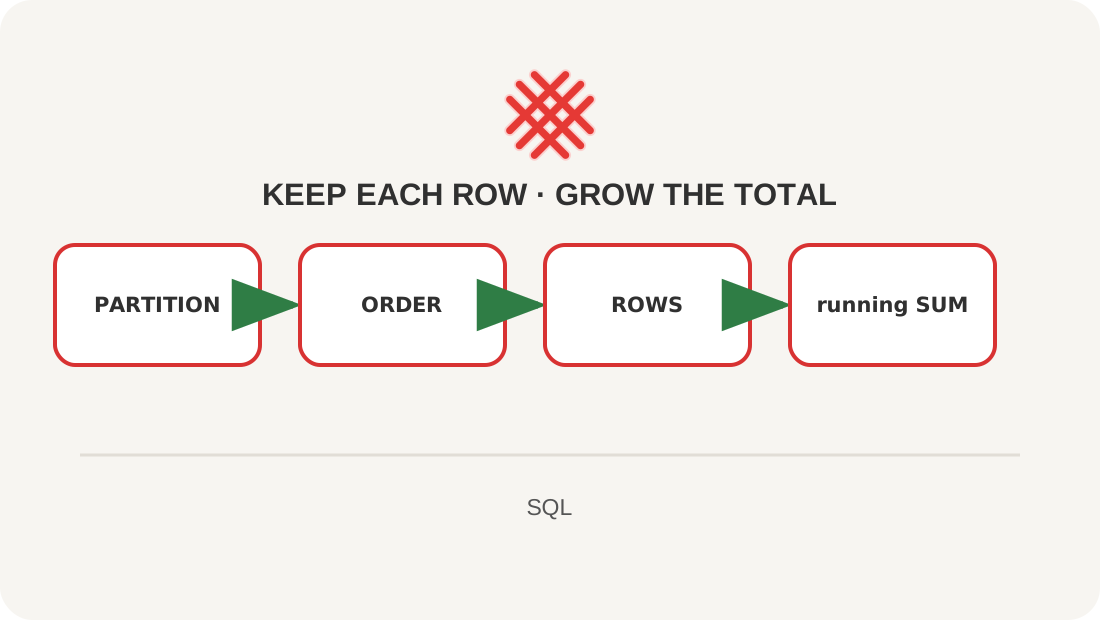
OVER turns an aggregate into a window function. Window ORDER BY defines calculation order; outer ORDER BY defines display order. State the ROWS frame explicitly and add id to break date ties. PARTITION BY starts an independent window per category; ROW_NUMBER, RANK, and DENSE_RANK treat ties differently.
Lesson map
Say it in your own words
- How does a window differ from GROUP BY?
- Why sort twice?
- What does PARTITION BY do?
Exercise
Number expenses within each category from largest to smallest with ROW_NUMBER().
Where this fits in the project
The running balance reveals the moment of a cash shortfall, not only the month-end total.
Answers
Show the answers
SELECT c.name, t.amount_tiyn / 100.0 AS amount_kzt,
       ROW_NUMBER() OVER (
           PARTITION BY c.id ORDER BY t.amount_tiyn DESC, t.id
       ) AS expense_no
FROM transactions AS t
JOIN categories AS c ON c.id=t.category_id
WHERE c.kind='expense';
Sources
If you have found a mistake or a typo in this article, tell us about it
Comments (0)
Log in to leave a comment →
No comments yet. Be the first.