

Go: from zero to your own blog Lesson 22 of 50
Templates in Go: html/template and a page instead of strings
The twenty-second lesson of the Go course. HTML moves out of the code into a file of its own: the dot as the name of the data, range over a slice, if and else. Why html/template makes somebody else's text safe for you, why templates are parsed once at start-up, and why a page is assembled in a buffer rather than straight into the response.
Why this matters
Until now the handlers wrote strings: fmt.Fprintln(w, "…"). One page can be built that way. Ten cannot: HTML inside code gets no highlighting from the editor, no checking, and turns into a porridge of quotes at the first table.
So let us separate them: the markup into a file, the data into a struct, and the adding-up to the template engine.
The whole thing at once
A new folder, go mod init sabaq20. Inside it a templates folder, and in it list.html:
<!doctype html>
<html lang="en">
  <head><meta charset="utf-8"><title>{{ .Title }}</title></head>
  <body>
    <h1>{{ .Title }}</h1>
    {{ if .Articles }}
    <ul>
      {{ range .Articles }}
      <li><a href="/read/{{ .Slug }}">{{ .Title }}</a> — {{ .ReadingTime }} min</li>
      {{ end }}
    </ul>
    {{ else }}
    <p>No articles yet.</p>
    {{ end }}
  </body>
</html>
Beside it, main.go:
package main

import (
	"bytes"
	"embed"
	"html/template"
	"log"
	"net/http"
)

//go:embed templates/*.html
var files embed.FS

type Article struct {
	Slug  string
	Title string
	Words int
}

func (a Article) ReadingTime() int { return (a.Words + 199) / 200 }

type page struct {
	Title    string
	Articles []Article
}

func main() {
	tpl := template.Must(template.ParseFS(files, "templates/*.html"))

	blog := []Article{
		{Slug: "dala", Title: "About the steppe", Words: 400},
		{Slug: "shanyraq", Title: "What a shanyraq is", Words: 1000},
		{Slug: "xss", Title: `<script>alert("hacked")</script>`, Words: 150},
	}

	http.HandleFunc("GET /{$}", func(w http.ResponseWriter, r *http.Request) {
		var buf bytes.Buffer
		if err := tpl.ExecuteTemplate(&buf, "list.html", page{Title: "My blog", Articles: blog}); err != nil {
			log.Println("template:", err)
			http.Error(w, "500", http.StatusInternalServerError)
			return
		}
		w.Header().Set("Content-Type", "text/html; charset=utf-8")
		buf.WriteTo(w)
	})

	log.Println("http://localhost:8080")
	log.Fatal(http.ListenAndServe(":8080", nil))
}
Before running it, say out loud what will appear where the third title sits, the one holding a <script>. Then run go run ., open localhost:8080 and look at the page source:
<li><a href="/read/dala">About the steppe</a> — 2 min</li>
<li><a href="/read/shanyraq">What a shanyraq is</a> — 5 min</li>
<li><a href="/read/xss"><script>alert("hacked")</script></a> — 1 min</li>
That third line is the heart of the lesson. The script did not run and did not break the page: it arrived as text.
Taking it apart
A template is HTML with holes in it
The file list.html is ordinary markup that the editor understands. Everything in double braces is replaced with data by the template engine:
{{ .Title }}
The dot is whatever you passed to Execute. .Title is a field of that struct. Field names have to start with a capital letter or the template will not see them: it lives in another package, and the capital-letter rule applies here too.
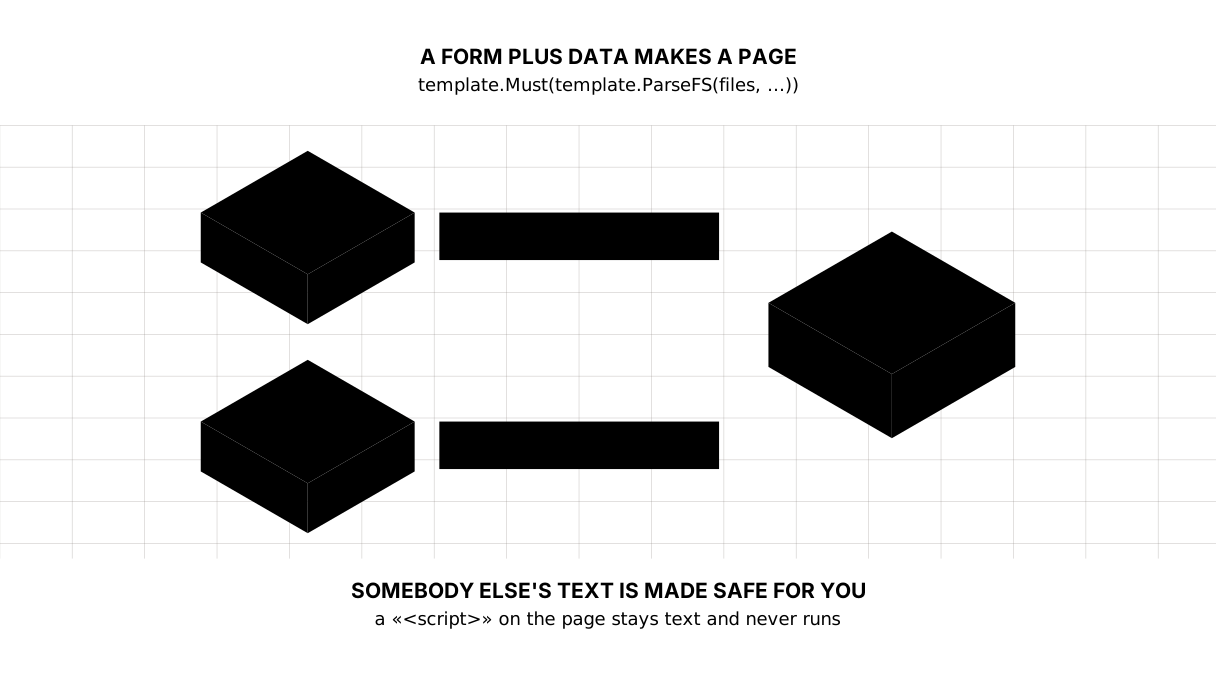
Picture it. A form with blanks. The form is printed in advance and is the same for everyone; what goes in the empty boxes is different every time.
range and if
{{ range .Articles }} … {{ end }}
{{ if .Articles }} … {{ else }} … {{ end }}
Inside range the dot changes meaning: it is now the article in hand rather than the whole page. So .Title inside is the article’s title.
if tests for emptiness: an empty slice, an empty string and zero all count as false. Hence the {{ else }} saying “nothing yet” — a page that does not fall apart on a new blog with no articles.
A method, not only a field
{{ .ReadingTime }} min
ReadingTime is not a field but the method from the structs lesson. The template calls it itself, with no brackets. Any method that takes nothing and returns one value will do.
Keep the logic in methods and hand the template finished numbers. A template that calculates soon becomes a second program — in a language with neither a debugger nor tests.
Escaping is what html/template is for
The standard library has two template engines. One line shows the difference:
text/template: <li><script>alert("hacked")</script></li>
html/template: <li><script>alert("hacked")</script></li>
text/template substitutes as-is. html/template knows it is assembling HTML and makes other people’s text harmless: a script becomes the text of a script.
That closes off a whole class of attack: someone puts a <script> in an article title or a comment, and the page runs it for every reader. As long as you use html/template and do not switch the escaping off by hand, that door is shut.
Picture it. Decontamination at the door. The parcel is neither thrown away nor read on your behalf — it is simply treated so that whatever is inside cannot do harm.
Escaping depends on where the value lands: the rules differ in text, in an attribute, inside a <script> and in a link’s address, and the engine tells them apart by itself.
When HTML is wanted as HTML
Escaping does sometimes get in the way — and exactly once with good reason. You write an article’s body in Markdown and turn it into HTML yourself; handing that over as a string means showing the reader tags instead of text:
as text:  <p>a paragraph from <b>Markdown</b></p>
trusted:   <p>a paragraph from <b>Markdown</b></p>
The difference is the type. An ordinary string is escaped; a value of type template.HTML is put in as it is:
type page struct {
	Body template.HTML
}
And here is the one rule that must not be broken: only put into template.HTML what you made yourself. A reader’s text, a field from a form, a fragment from someone’s API — never. That type switches the protection off, and switches it off silently.
Parse once, not on every request
tpl := template.Must(template.ParseFS(files, "templates/*.html"))
Parsing templates is work with files and text. Doing it on every request spends the reader’s time for nothing.
template.Must is shorthand for “if it will not parse, fall over now”. This is the case where panic belongs: a broken template at start-up beats a blank page for a reader.
And //go:embed puts the template files inside the compiled program. One file instead of a program plus a folder beside it — and no way to deploy the server without its markup.
Why a buffer rather than the response
Here is a subtlety worth a paragraph of its own.
Execute writes as it assembles. If an error surfaces halfway — you referred to a field that does not exist, say — part of the page has already gone to the reader along with a 200. See for yourself:
<p>start</p>
error: template: c:2:3: executing "c" at <.Nope>: can't evaluate field Nope in type main.A
The first line is with the reader and cannot be recalled — that is the rule from the HTTP lesson. So you assemble into a bytes.Buffer and only then hand it over: if it worked, write the lot; if it did not, a 500 and a line in the log.
Picture it. A dish comes out finished. The cook does not carry it into the room in instalments and does not take half of it back when something burns: it is assembled in the kitchen and comes out once.
The lesson map
Say it in your own words
Without looking, answer out loud or on paper. The answers are at the end of the lesson.
- What does the dot mean inside
{{ range .Articles }}, and why does its meaning change? - A reader titled an article
<script>alert(1)</script>. What will everyone else see? - Why assemble the page in a buffer when you could write straight into
w?
Exercise
Required. Build a second page — one article at /read/{slug}. Add an article.html template, find the article in the slice by its address, and when there is none answer 404 with a page of your own, also from a template. Take the title and the reading time from the struct and the text from a Body field.
Optional.
- Add an article titled
<b>bold</b>and confirm the tags show up as text. - Swap
html/templatefortext/templateand look at the same page. Then put it back. - Remove the buffer, refer to a field that does not exist, and see what the browser gets.
Where this goes in your blog
The blog has stopped being terminal output. Next come forms — the reader starts sending data rather than only receiving it — and static files: CSS, fonts, images.
The shared layout — the header, the footer and the menu — moves into a template of its own so it is not repeated on every page. It is the same trick as the wrapper from the previous lesson, applied to markup.
Answers
Show the answers
- The dot is the data being substituted at that point. On the page it is the whole struct; inside
rangeit is the element in hand. So.Titleoutside means the page’s title and inside means the article’s. - The text
<script>alert(1)</script>rather than a script that ran:html/templateescapes everything it substitutes and picks the right method for where it lands. That is exactly why it is used rather thantext/template. - Because
Executewrites as it goes, and an error halfway leaves the reader with half a page and a 200 that can no longer be changed. Assembled in a buffer, you either hand over the finished thing or answer 500 honestly.
Sources
If you have found a mistake or a typo in this article, tell us about it
Comments (0)
Log in to leave a comment →
No comments yet. Be the first.