

Go: from zero to your own blog Lesson 31 of 50
Migrations: the history of a database, not `create table if not exists`
The thirty-first lesson of the Go course. The program stops creating the schema at start-up: numbered migration files appear, a journal of what has been applied, and the rule that each one runs exactly once. Plus a measured trap: a not null column with no default is accepted by an empty database and refused by a working one.
Why this matters
In the last few lessons the program created the schema itself: create table if not exists at start-up. While there is one table and it never changes, that works.
It breaks the day the table has to change. Say the articles need an updated_at column. if not exists is no help here: the table exists, the column in it does not. So alter table goes into the code — and the first run passes while the second does not:
$ sqlite3 blog.db "alter table articles add column updated_at text not null default '';"
$ sqlite3 blog.db "alter table articles add column updated_at text not null default '';"
Error: in prepare, duplicate column name: updated_at
What usually follows is a patch: look whether the column is already there, and add it only if it is not. While there is one change, the patch works. Once there are ten of them and their order starts to matter, one day it turns out that half are applied on the working server and nobody knows which half.
A migration is a way to keep changes to the schema the way code is kept: separate files, in order, with a record of what has already been applied.
The whole thing at once
A new folder, go mod init sabaq28, the same driver. Next to main.go — a migrations folder holding three files:
migrations/0001_articles.sql
create table articles (
    id    integer primary key,
    slug  text not null unique,
    title text not null,
    body  text not null
) strict;
migrations/0002_updated_at.sql
alter table articles add column updated_at text not null default '';
migrations/0003_updated_at_index.sql
create index articles_updated_at on articles (updated_at);
main.go
package main

import (
	"database/sql"
	"embed"
	"fmt"
	"io/fs"
	"log"
	"path"
	"sort"
	"strings"

	_ "modernc.org/sqlite"
)

//go:embed migrations/*.sql
var files embed.FS

func main() {
	db, err := sql.Open("sqlite", "blog.db?_pragma=foreign_keys(1)")
	if err != nil {
		log.Fatal(err)
	}
	defer db.Close()

	if err := migrate(db); err != nil {
		log.Fatal("migrations: ", err)
	}

	var version string
	err = db.QueryRow(`select coalesce(max(version), 'none') from schema_migrations`).Scan(&version)
	if err != nil {
		log.Fatal(err)
	}
	fmt.Println("schema at version:", version)
}

func migrate(db *sql.DB) error {
	_, err := db.Exec(`create table if not exists schema_migrations (
	    version    text primary key,
	    applied_at text not null default (datetime('now'))
	) strict`)
	if err != nil {
		return err
	}

	names, err := fs.Glob(files, "migrations/*.sql")
	if err != nil {
		return err
	}
	sort.Strings(names)

	for _, name := range names {
		version := strings.TrimSuffix(path.Base(name), ".sql")

		var applied int
		err := db.QueryRow(`select count(*) from schema_migrations where version = ?`, version).Scan(&applied)
		if err != nil {
			return err
		}
		if applied == 1 {
			fmt.Println("already applied:", version)
			continue
		}

		body, err := files.ReadFile(name)
		if err != nil {
			return err
		}

		tx, err := db.Begin()
		if err != nil {
			return err
		}
		if _, err := tx.Exec(string(body)); err != nil {
			tx.Rollback()
			return fmt.Errorf("%s: %w", version, err)
		}
		if _, err := tx.Exec(`insert into schema_migrations (version) values (?)`, version); err != nil {
			tx.Rollback()
			return fmt.Errorf("%s: %w", version, err)
		}
		if err := tx.Commit(); err != nil {
			return fmt.Errorf("%s: %w", version, err)
		}
		fmt.Println("applied:", version)
	}
	return nil
}
The first run:
applied: 0001_articles
applied: 0002_updated_at
applied: 0003_updated_at_index
schema at version: 0003_updated_at_index
The second, on the same database:
already applied: 0001_articles
already applied: 0002_updated_at
already applied: 0003_updated_at_index
schema at version: 0003_updated_at_index
Taking it apart
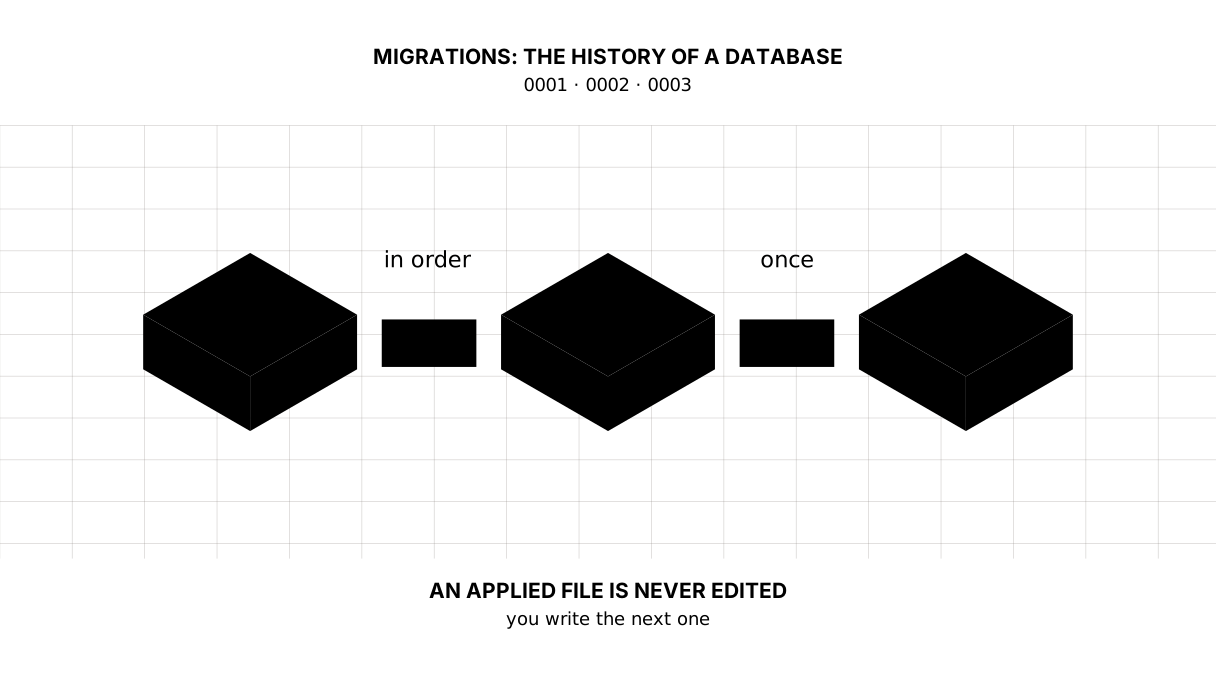
The number in the file name is the version
0001, 0002, 0003. The files are read by fs.Glob and put in order by sort.Strings — ordinary string sorting. That is why the number carries leading zeroes: without them 10 would follow 9, and strings are compared character by character, so 10 would come before 9.
The name after the number decides nothing; it is for people. In six months 0002_updated_at will tell you more than 0002.
There is one rule above the rest: an applied file is never edited. Want a column renamed? That is a new migration, not a change to the old one. The old one has already run on other people’s machines and on the working server, and nobody there will run it again.
The journal: a table that remembers what ran
schema_migrations is an ordinary table in the same database. One row per applied file: the version and the time.
It lives in the database itself rather than in a file beside it, and that matters. A copy of the database is carried to another machine together with its journal, so exactly what is missing there gets applied.
Picture it. A vaccination record. It holds no vaccines — only the list of the ones already given, and it is precisely what stops a second identical dose.
embed: the migrations travel inside the program
//go:embed migrations/*.sql puts the files inside the built program — the same trick as the static files in the lesson on CSS and images.
Without it the migrations folder would have to travel to the server next to the binary, and you would have to keep its version in step with the program’s. With embed they cannot drift apart: it is one file.
A transaction: a broken migration leaves nothing behind
A file in migrations may hold several statements. That brings a risk: the first one goes through, the second fails, and the schema is left halfway.
Let us check. A file 0005_broken.sql whose second line repeats the first:
alter table comments add column author text not null default '';
alter table comments add column author text not null default '';
The run:
already applied: 0004_comments
2026/09/06 13:23:38 migrations: 0005_broken: SQL logic error: duplicate column name: author (1)
exit status 1
And now the point — what is left in the database:
$ sqlite3 blog.db "select version from schema_migrations order by version;"
0001_articles
0002_updated_at
0003_updated_at_index
0004_comments

$ sqlite3 blog.db "select name from pragma_table_info('comments');"
id
article_id
body
There is no author column at all, though the first statement of the file added it. The transaction took back both that and the line in the journal: tx.Begin, and tx.Rollback on the error — the database returned to where it started. Fix the file, run again, and the migration applies from a clean place.
It does not work like this everywhere. In SQLite and in Postgres create table and alter table can be rolled back; in MySQL they cannot, because each such statement quietly ends the transaction that was open, so a broken migration leaves exactly the half it managed to do. MySQL 8 made the single statement indivisible, but not the migration as a whole.
Begin, Commit and Rollback come in full in the next lesson; here it is enough to see why they stand where they do.
What alter table can and cannot do in SQLite
Not much, and it is worth knowing in advance:
alter table articles rename column title to heading;   -- works
alter table articles drop column updated_at;           -- works
alter table articles alter column heading type blob;   -- no such statement
That last line is not an error from the database but a missing capability:
Error: in prepare, near "alter": syntax error
Changing a column’s type or dropping a not null cannot be done in SQLite with one statement. The official way is a twelve-step procedure: build a new table of the shape you want beside the old one, pour the data across with insert ... select, drop the old one and rename the new one. All of it inside a single migration — and all of it something the database can roll back if anything goes wrong.
Postgres has that statement, and it is one of the few places where moving off SQLite noticeably makes life easier.
not null: an empty database forgives, a working one does not
A trap that springs on the working server specifically.
On an empty table a not null column with no default is added in silence:
alter table t add column b text not null;
Let there be a single row, and the same statement answers:
Error: stepping, Cannot add a NOT NULL column with default value NULL
The logic is simple: the existing rows have no such column, the database is obliged to fill it with something, and there is nothing to fill it with. On your machine the database is empty, the migration passes, you send it off — and it falls over where the data is.
Hence the rule: not null always comes with a default. An empty string, a zero, datetime('now') — whatever is sensible.
We do not go backwards
The ready-made tools can “roll a migration back”: beside the up file goes a down file that undoes it. On paper it is elegant.
In practice a rollback almost never brings back what was there. A migration that dropped a column took the data with it, and down will not resurrect it. So real projects usually go forward only: made a mistake — you write the next migration, the one that fixes it.
We will not write down files in this course. It is enough to know the thing exists and why it should not be counted on.
One more thing: we wrote our own migration runner to see how it is built — the whole mechanism fits in one function here. A real project takes a ready one, most often golang-migrate or goose; they do the same and add a lock, so that two servers started at once do not begin applying one migration between them.
The lesson map
Say it in your own words
Without looking, answer out loud or on paper. The answers are at the end of the lesson.
- Why is a migration numbered
0001rather than1? - What is left in the database if a migration of two statements fails on the second?
- Why does a
not nullwith nodefaultpass on your machine and fail on the server?
Exercise
Required. Move the blog onto migrations. The schema is no longer created in Open; instead a migrations folder appears, the first file repeats the current articles table, and the second adds an updated_at column that Update fills through datetime('now'). Check it on a database that already holds articles: the old rows must survive.
The migration runner is already written in step-16 — compare against it once you have done your own.
Optional.
- Take the transaction out of
migrateand repeat the experiment with the broken file. See what is left in the table now. - Add a column to
schema_migrationsfor how long a migration took, and print it at start-up. - Write a migration that renames the
bodycolumn tobody_md, and updateStore. Make sure the old articles are still there.
Where this goes in your blog
Open stops knowing about the schema: its job is to open the database, and the shape of the tables is set by the files in migrations. The blog can now change without losing what is written.
Still open. The queries are still assembled out of strings, and the next lesson shows why that must not be done. Update writes every field at once. And we have no lock around migrations — harmless with one server, not with two.
Answers
Show the answers
- Because files are sorted as strings, character by character. Without the leading zeroes
10comes before9, and the migrations apply in an order other than the one they were written in. - Nothing: the transaction takes back both what the first statement managed to do and the line in the journal. The migration stays unapplied as a whole, and once the file is fixed it applies afresh.
- Because your table is empty and the one on the server has rows in it. The database has nothing to fill the new column with for the existing rows, so it refuses:
Cannot add a NOT NULL column with default value NULL.
Sources
If you have found a mistake or a typo in this article, tell us about it
Comments (0)
Log in to leave a comment →
No comments yet. Be the first.