


Informatics: build your own digital assistant Lesson 48 of 72
A table, a formula, and a verifiable calculation
Add the minutes by hand, in a spreadsheet, and in Python; all three methods must agree.
Where we are on the map
Lesson 48 of 72, Data, tables and databases block (47–54). We continue assistant 1.1 with three fictional tasks. By the end, records live in local SQLite while tested reminder rules remain unchanged.
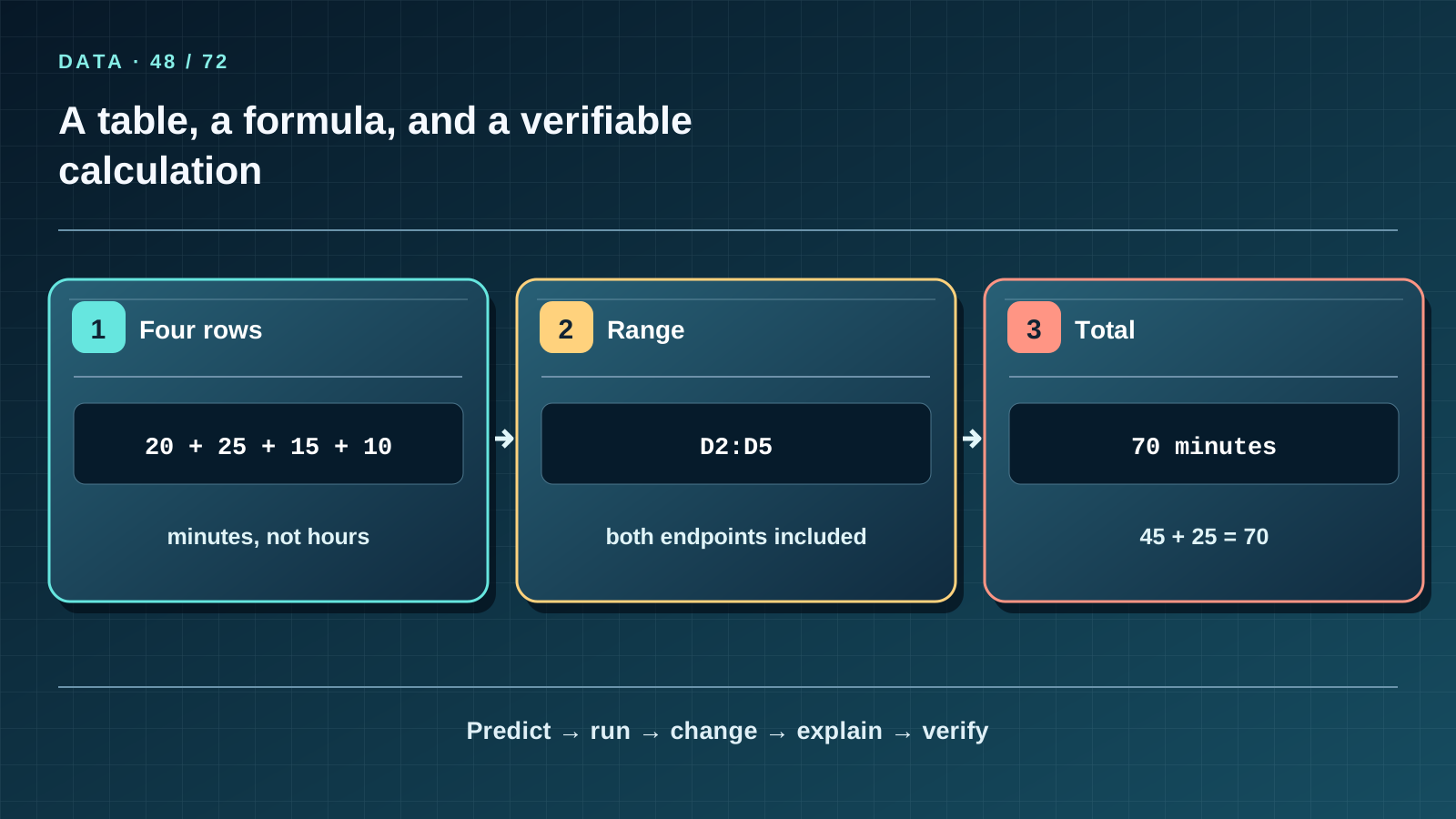
Situation and question
Four records show 20, 25, 15 and 10 minutes. One learner confidently writes 60; another writes 70. We do not vote. We show the addition rule and check every term.
New words without gaps
A spreadsheet stores values in cells: A1 means column A, row 1. A formula calculates from selected cells, such as =SUM(D2:D5); D is the minutes column in this CSV. The range D2:D5 includes both endpoints. The sum is 70 minutes; the mean of the four observations is 17.5 minutes. A mean per record is not a mean per task or per learner. An empty value differs from a numeric zero.
The lesson’s support signal
Read the map left to right. Name each arrow’s input, transformation and check. Cover the third step and predict it. Then locate the matching row in CSV, SQL or the report: an arrow must not replace real values or relationships.
Work through it step by step
First compute 20+25+15+10=70 on paper. Import the CSV with a comma delimiter; make sure dates have not become mysterious numbers and minutes are numeric. Put =SUM(D2:D5) in D6 and compare it with the manual total. A localized spreadsheet may display a translated function name; keep the same D2:D5 range. Python’s sum reads the same column. If Python says 70 while the sheet says 60, find the missing row before changing the data.
Predict and check
Write the exact expected output, including row order, before running anything. Execute the snippet in step-05 and compare characters. Change one input, then predict, run and explain again. The example proves only the stated rule; fictional teaching data do not become measurements of real people.
import csv
with open("study_sessions.csv", encoding="utf-8", newline="") as stream:
    total = sum(int(row["minutes"]) for row in csv.DictReader(stream))
print(total)
Expected output
70
Catch the error
Copying a formula down can shift its range. =SUM(D2:D4) omits s-04 and returns 60. In an untrusted CSV, a cell beginning with = may be treated as a formula by spreadsheet software. We control this fictional file; importing someone else’s needs a separate safety check.
Project change
Record a 70-minute check total and its four addends in the project journal. Do not append the result as a fifth ‘session’ to the source CSV: the next calculation would count it twice.
Task and evidence
Predict =SUM(D2:D4) and name the missing record. Sum t-01 separately (45) and t-03 (25); show 45+25=70. Does zero next to t-02 mean no sessions were recorded, or that a zero-minute session occurred?
Transfer to a new setting
A reading diary lists minutes on four days. How do you distinguish total time from average time per record? Why should a mean be accompanied by its count?
Return after 1, 7, and 30 days
After 1 day redraw the map from memory and name a case where the simple analogy fails. After 7 days explain a fresh table without the text and answer at least 7 of the final lesson’s 10 questions. After 30 days repeat import into a temporary folder and check three tasks, four sessions, total 70 and unchanged reminders. Record any unclear term and return to its first definition.
Primary reference to check
Next lesson
If you have found a mistake or a typo in this article, tell us about it
Comments (0)
Log in to leave a comment →
No comments yet. Be the first.