


Informatics: build your own digital assistant Lesson 35 of 38
Saving tasks in JSON
Save tasks as JSON, explicitly migrate 0.2 to 1.0, and confirm Kazakh text survives a restart.
Where we are on the map
This is lesson 35 of 72 in the Python block (27–38). The support map shows verifiable transitions. We continue the 0.3 paper contract: five reminder outcomes and the original fictional tasks.
Situation and question
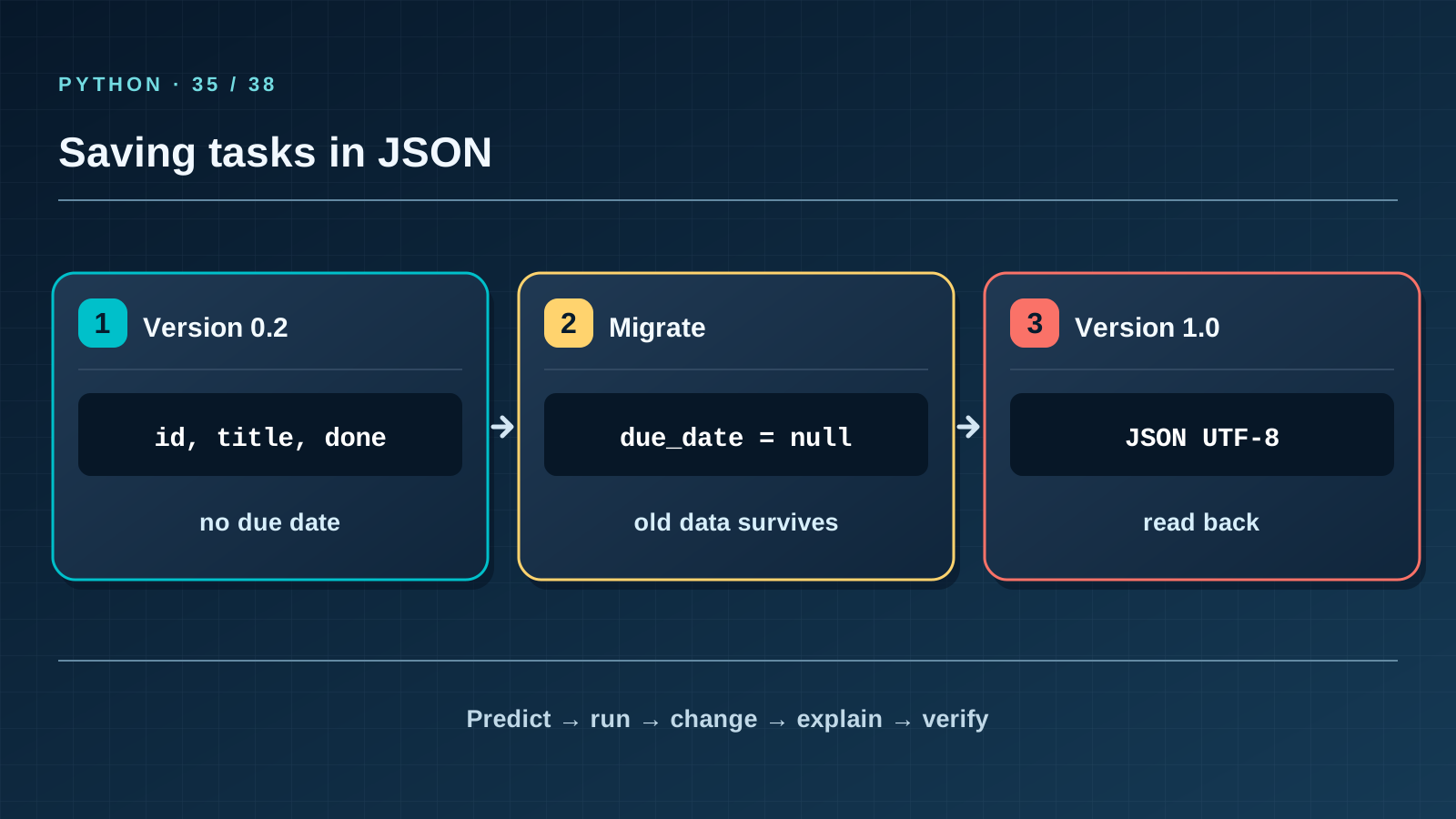
Until now done=True vanished after closing the program. We need a file, but writing can fail halfway, and old tasks have no date. Silently adding a field would hide a changed contract. Compare both formats, then write, read back, and verify.
New words without gaps
JSON is text with objects, arrays, strings, numbers, true, false, and null. Python maps those to dictionaries, lists, str, numbers, True, False, and None. Serialization turns Python data into JSON with json.dump or json.dumps; parsing reverses it with json.load. A schema version tells us which fields are valid. Version 0.2 has no date; 1.0 stores due_date as an ISO date or null. Atomic replacement writes a neighbouring temporary file before replacing the old one; it reduces partial-write risk but is no backup.
The lesson’s support signal
Input → check the rule → change state → observable result. Point to where the program reads data, compares it with the contract, and merely reports the result. If a step is absent from the map, find it in the code and add it to your own trace.
Work through it step by step
Run the short example with “Әліппе оқу”: ensure_ascii=False leaves the letter readable in JSON text. json.loads restores the structure, and comparing titles checks the round trip. Open the old step-01/data/tasks.json: it has three tasks and version 0.2. In a working copy keep those three IDs, titles, and done values, change the version to 1.0, and give each due_date a fictional valid date or null. Do not invent a date for an older record without a requirement.
Predict and check
Cover the output block. Trace names line by line and write the exact predicted text, including case and line order. Only then run the code with python3 from step-03 and compare character by character. Change one input and predict again before running. If results differ, find the first divergent line instead of adjusting the prediction afterwards.
import json
item = {"title": "Әліппе оқу", "done": False}
encoded = json.dumps(item, ensure_ascii=False)
print(encoded)
print(json.loads(encoded)["title"])
Expected output
{"title": "Әліппе оқу", "done": false}
Әліппе оқу
Catch the error
Renaming tasks.txt to tasks.json does not make its content valid JSON. Single quotes and True inside the file are invalid too: JSON needs double quotes and true. Check json.load, field structure, and a read-back after writing, not merely the filename extension.
Project change
load_document validates the whole file before returning data. save_document writes only validated 1.0 data to a temporary file and replaces the destination. The old 0.2 can be read, but a write explicitly migrates it to 1.0.
Task and evidence
Copy the original 0.2 file, run add with a new ID and due date on that copy, then list and reminders --today 2026-10-09. Compare the old three records’ id, title, and done exactly: they must survive. Old dates are null; the new record has your date. Reopen the file and confirm the output stays the same.
Transfer to a new setting
A school club adds a “room” field. May we silently claim every old meeting was in room 101? Explain why null is more honest than an invented room and when a new format version is needed.
Return after 1, 7, and 30 days
After 1 day, recall the rule and one boundary case without this page. After 7 days, explain a new error example to a classmate. After 30 days, rerun the project test, check earlier records and output still match, and transfer the rule to a different task again.
Next lesson
If you have found a mistake or a typo in this article, tell us about it
Comments (0)
Log in to leave a comment →
No comments yet. Be the first.