


Informatics: build your own digital assistant Lesson 58 of 72
Phishing, pressure, and deepfakes
An email says “confirm your password now or the assistant will delete your tasks.
Where we are on the map
Lesson 58 of 72. Digital security block (55–62). We continue a local assistant with three fictional tasks. Each control has a defined boundary: the classroom version does not become a public service.
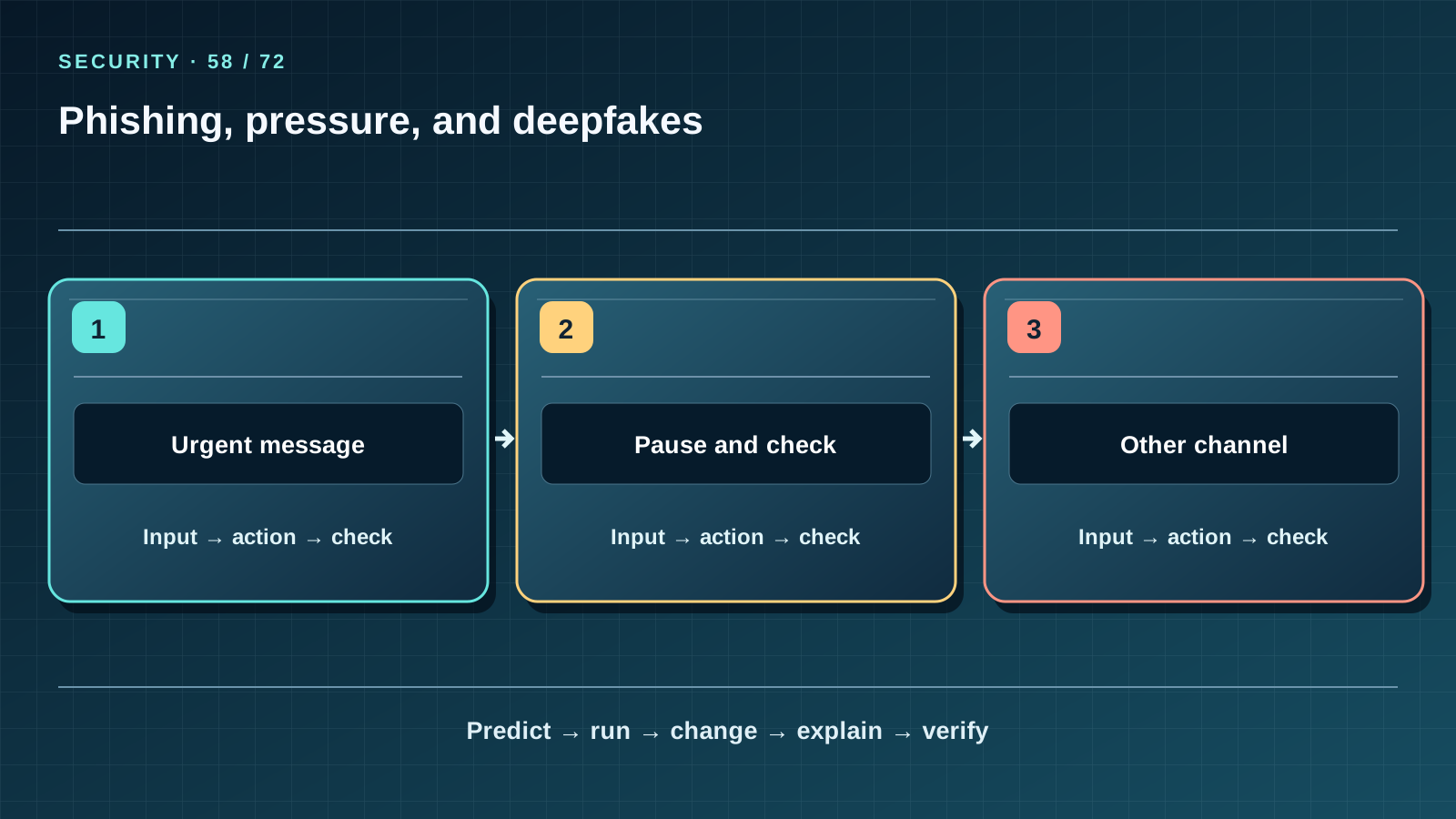
Situation and question
An email says “confirm your password now or the assistant will delete your tasks.” Urgency creates fear, not authenticity. An attacker could add a familiar logo, voice or forged video.
New words without gaps
Phishing tries to obtain a secret or harmful action with a deceptive message. Social engineering exploits trust and pressure instead of a software flaw. A deepfake is synthetic image, video or audio that may impersonate a real person. An independent channel is contact information you found yourself rather than a number in the suspicious message.
The lesson’s support signal
Read the three cells left to right, then cover the third. State the input and action in each cell; predict how the path ends and which observable fact checks it. Compare the drawing with a project file or worked example. If a number on the map cannot be derived from the data, correct the map rather than changing data for a pretty picture.
Work through it step by step
Mark three signs in a fictional message: urgency, a request for a secret and a lookalike link. Do not follow the link. Open the service address you already know or ask the responsible person using a previously known contact. Check even a familiar voice through another channel. Preserve the message if you need to tell a teacher or administrator, but do not publish it with private details.
Predict and check
Write the expected output before running code. Execute it in step-06 or step-07, compare every character and explain each line. Then change one safe fictional input and repeat “predict — run — change — explain — verify.” Do not turn an observation on a tiny dataset into a promise about real people.
from urllib.parse import urlsplit
expected = "school.example"
for url in ("https://school.example/login", "https://school.example.attacker.test/login"):
    print(urlsplit(url).hostname == expected)
Expected output
True
False
Catch the error
Good spelling does not make an email authentic. A synthetic voice is not proof of identity, but an unusual voice is not automatically a fake. Do not “test” a suspect link by forwarding it to friends.
Project change
Release 1.3 preserves the three tasks, four sessions and reminder rules. New operations live in security_assistant.py: validation, a separate backup and restore only into a new file. State which threat each change reduces and which it does not; all teaching data stay fictional.
Task and evidence
Examine two classroom messages: one ordinary reminder, one asking for a sign-in code. For each name a verifiable action and a safe independent contact path.
Transfer to a new setting
A “teacher” in a chat asks for urgent exam money. How can you verify the request without replying in the same chat?
Return after 1, 7, and 30 days
After 1 day redraw the map from memory and name one boundary of the idea. After 7 days explain it to a friend without reading the lesson and answer 7 of 10 block questions; analyse mistakes with concrete inputs. After 30 days open a fresh project copy, reproduce the check and transfer the idea to a new case. Keep a record of input, expected output and actual output.
Primary reference to check
Next lesson
If you have found a mistake or a typo in this article, tell us about it
Comments (0)
Log in to leave a comment →
No comments yet. Be the first.