


Informatics: build your own digital assistant Lesson 27 of 38
First program: state becomes code
Turn the assistant's first state change into a running program: predict its output and see what a variable holds.
Where we are on the map
This is lesson 27 of 72 in the Python block (27–38). The support map shows verifiable transitions. We continue the 0.3 paper contract: five reminder outcomes and the original fictional tasks.
Situation and question
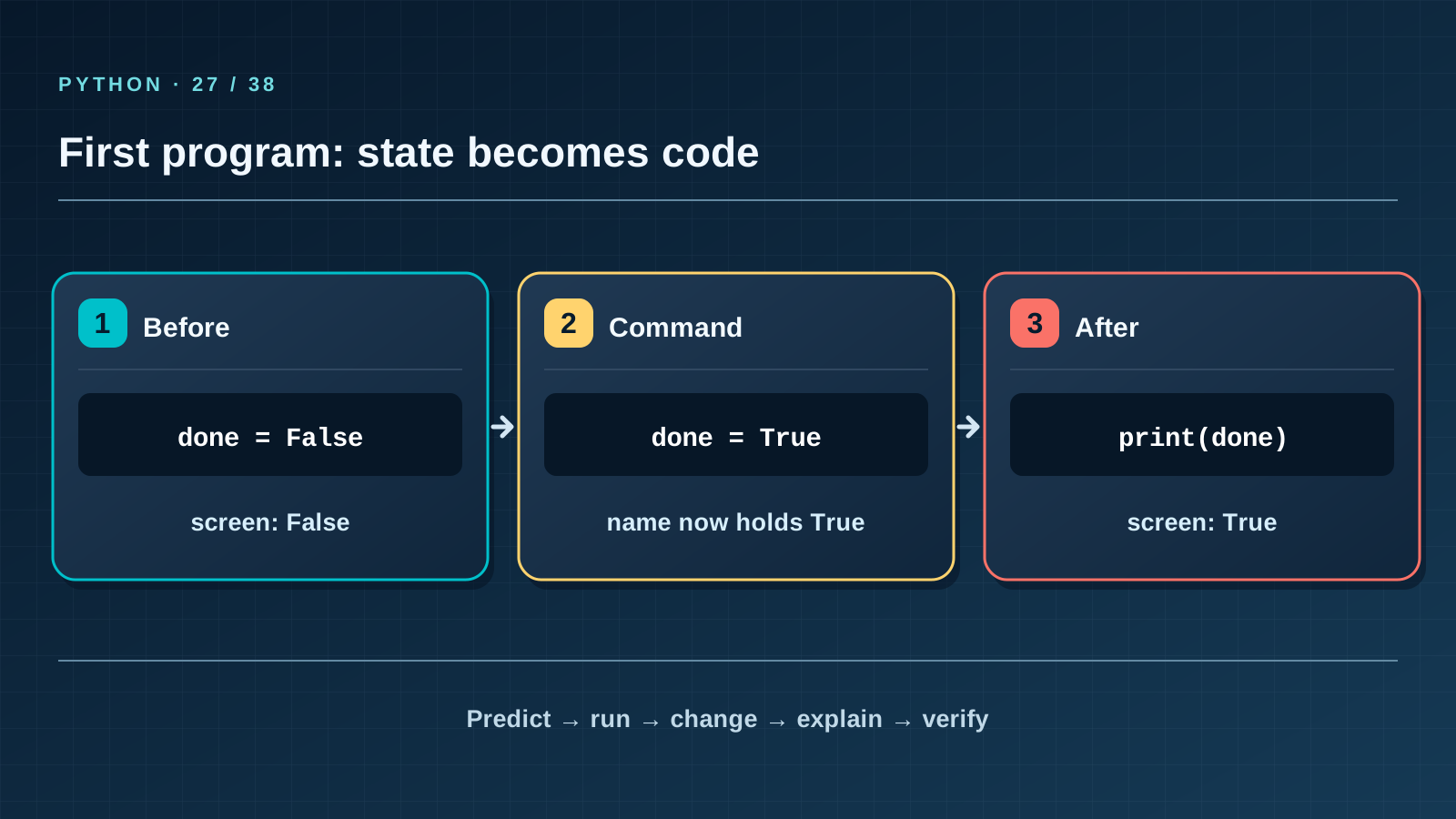
In the paper version you moved a done card from false to true. A computer sees no cards and does not understand “completed” by itself. How can a few lines give another learner exactly the same result? Start with one variable before building the entire program.
New words without gaps
A program is a written sequence of instructions for a computer. Source code is its readable, editable text. Python is the language whose rules that text follows; a .py file holds code. An interpreter executes it. A variable is a name bound to a current value: = in done = False assigns, rather than asks whether values are equal. False and True are Boolean values; their capital letters matter. print displays a value but does not save it to a file.
The lesson’s support signal
Input → check the rule → change state → observable result. Point to where the program reads data, compares it with the contract, and merely reports the result. If a step is absent from the map, find it in the code and add it to your own trace.
Work through it step by step
First write “before: False, after: True” on paper. Run the example below and compare its lines. The first statement binds done to False; the first print sees that value. done = True rebinds the name, and the second print sees the new value. Close and rerun the program: it starts at False again. You have found the boundary between running state and saved data.
Predict and check
Cover the output block. Trace names line by line and write the exact predicted text, including case and line order. Only then run the code with python3 from step-03 and compare character by character. Change one input and predict again before running. If results differ, find the first divergent line instead of adjusting the prediction afterwards.
done = False
print("Before:", done)
done = True
print("After:", done)
Expected output
Before: False
After: True
Catch the error
Lower-case false makes Python search for a variable with that name and report NameError. Replacing = with == asks about equality rather than changing state. Repair the first meaningful error line, then predict the result again before running.
Project change
Start assistant.py in your working copy. For now it only displays one fictional task’s state and does not modify tasks.json. Compare the output with the version 0.3 paper card.
Task and evidence
Create first_state.py with two fictional tasks. Show both initial states, mark only the second complete, then show both again. Write a table of four expected values before running it. Prove the first task did not change. Rerun the program and explain why the second task’s completion did not survive closing it.
Transfer to a new setting
A game’s step counter behaves similarly: steps = 0, then steps = 1. How is the counter’s new value different from displaying a number? Name the extra action needed to keep the count after a restart.
Return after 1, 7, and 30 days
After 1 day, recall the rule and one boundary case without this page. After 7 days, explain a new error example to a classmate. After 30 days, rerun the project test, check earlier records and output still match, and transfer the rule to a different task again.
Next lesson
If you have found a mistake or a typo in this article, tell us about it
Comments (0)
Log in to leave a comment →
No comments yet. Be the first.