


Informatics: build your own digital assistant Lesson 34 of 38
Python functions with a clear contract
Combine five reminder rules in a function with explicit input, output, and checking order.
Where we are on the map
This is lesson 34 of 72 in the Python block (27–38). The support map shows verifiable transitions. We continue the 0.3 paper contract: five reminder outcomes and the original fictional tasks.
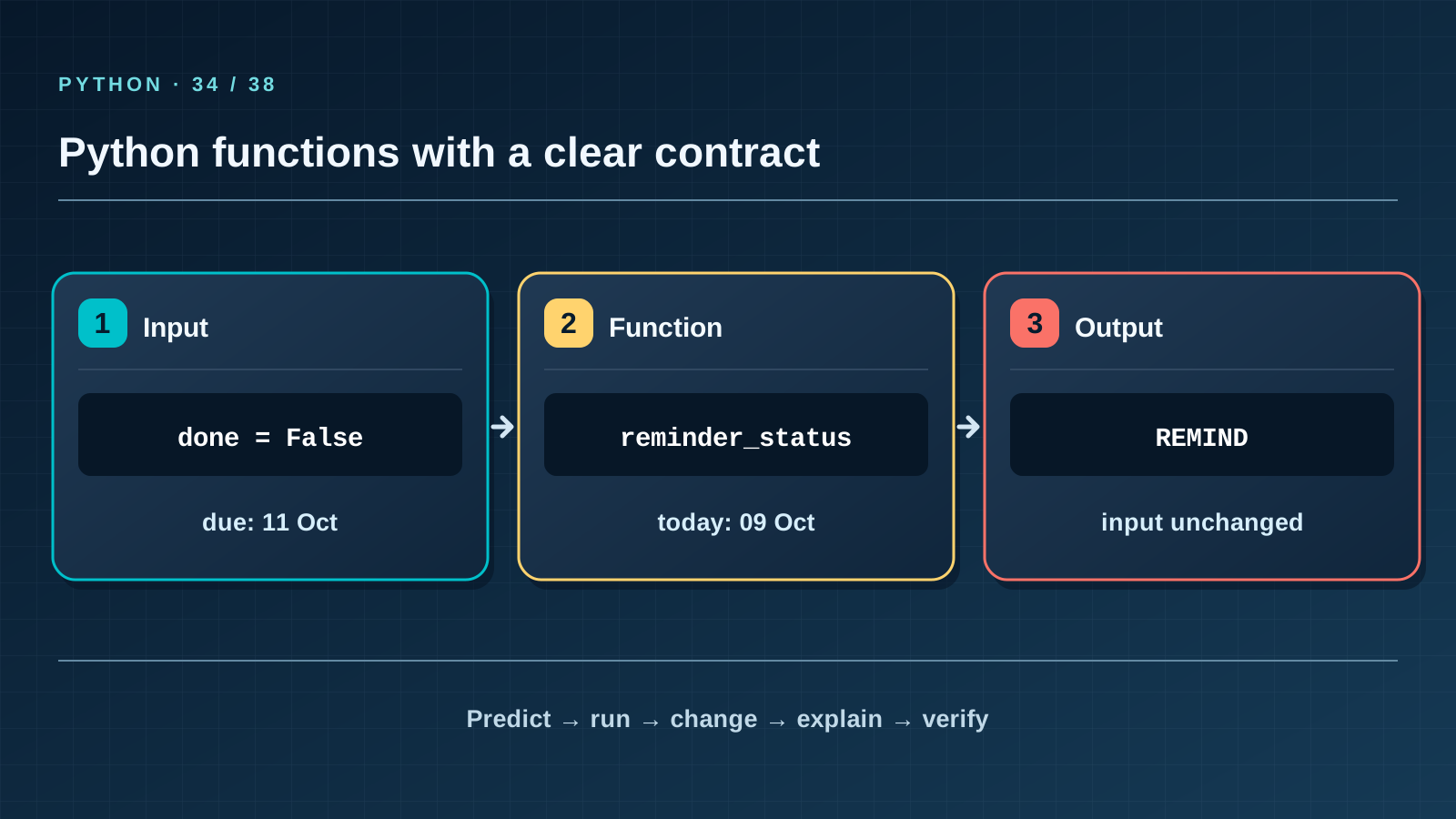
Situation and question
The same calculation is needed by the CLI and by tests. Copying five branches into both places leaves one stale after the other is fixed. Put the rule into a function and agree on its inputs and output before writing its body.
New words without gaps
A function is a named block called from different places. Parameters done and days receive values at a call. return sends a result back and ends that call; print merely displays text. A function contract states valid inputs and possible outputs. Here done is Boolean, days is an integer or None, and the output is one of DONE, NO_DATE, OVERDUE, REMIND, NOT_YET. A pure function changes no file and does not read today’s date secretly: equal inputs give equal outputs.
The lesson’s support signal
Input → check the rule → change state → observable result. Point to where the program reads data, compares it with the contract, and merely reports the result. If a step is absent from the map, find it in the code and add it to your own trace.
Work through it step by step
Trace status(True, None) line by line: the first check returns DONE, so the absent date causes no error. For status(False, None) the first check fails and the second returns NO_DATE. For status(False, 2) the relevant branch returns REMIND. The code below shows those cases. Swap the first two checks: the first pair now has the wrong answer; order is part of the contract, not mere style.
Predict and check
Cover the output block. Trace names line by line and write the exact predicted text, including case and line order. Only then run the code with python3 from step-03 and compare character by character. Change one input and predict again before running. If results differ, find the first divergent line instead of adjusting the prediction afterwards.
from datetime import date
from assistant_core import reminder_status
task = {"done": False, "due_date": "2026-10-11"}
print(reminder_status(task, date(2026, 10, 9)))
Expected output
REMIND
Catch the error
A return placed too early inside a loop over tasks stops after the first task. A one-task function may return immediately; a many-task function must visit the whole list. State this responsibility boundary before joining the two.
Project change
Move reminder logic into assistant_core.py; the CLI layer will call and display it later. This lets tests check rules independently of keyboard, screen, and run time.
Task and evidence
Write status(done, days) without file reads or printing. Check all eight cards in cases.json, then add an unseen card: a completed task without a date. Expect DONE. Ask another learner to explain branch order using only the code and contract.
Transfer to a new setting
A shipping function takes weight and country, returning a price or an invalid-weight outcome. Why should it not print a receipt itself? Show how one calculation can serve both a website and a test.
Return after 1, 7, and 30 days
After 1 day, recall the rule and one boundary case without this page. After 7 days, explain a new error example to a classmate. After 30 days, rerun the project test, check earlier records and output still match, and transfer the rule to a different task again.
Next lesson
If you have found a mistake or a typo in this article, tell us about it
Comments (0)
Log in to leave a comment →
No comments yet. Be the first.