


Informatics: build your own digital assistant Lesson 57 of 72
Who may do what: least privilege
A library lets readers borrow books but staff edit the catalogue.
Where we are on the map
Lesson 57 of 72. Digital security block (55–62). We continue a local assistant with three fictional tasks. Each control has a defined boundary: the classroom version does not become a public service.
Situation and question
A library lets readers borrow books but staff edit the catalogue. Giving a reader staff permissions means one accidental button could damage records. Separate reading from writing in the assistant too.
New words without gaps
Authentication answers “who arrived?”; authorization answers “what may they do?” A role groups permissions. Least privilege grants only necessary actions for the necessary time. Read-only prevents changes through one connection; it does not protect the whole file against every process.
The lesson’s support signal
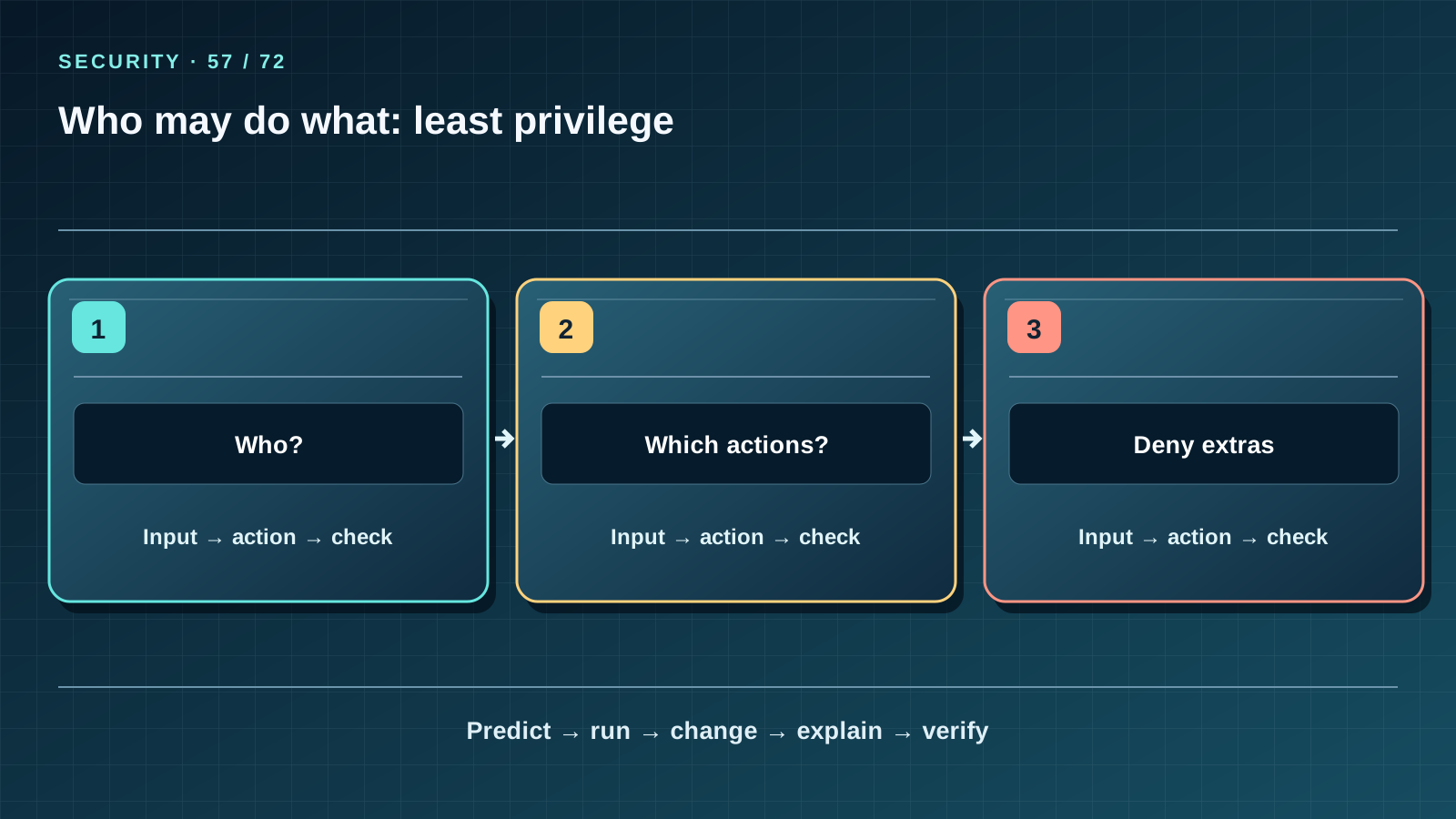
Read the three cells left to right, then cover the third. State the input and action in each cell; predict how the path ends and which observable fact checks it. Compare the drawing with a project file or worked example. If a number on the map cannot be derived from the data, correct the map rather than changing data for a pretty picture.
Work through it step by step
Open data_store.py: connect_readonly uses SQLite mode=ro, and the page reads tasks through it. The init command separately creates a new database; running it again refuses to replace the old one. Draw a matrix: page — read; backup — read the source and create a new copy; restore — create a new destination. No operation should silently overwrite the working database. Check that the page refuses POST.
Predict and check
Write the expected output before running code. Execute it in step-06 or step-07, compare every character and explain each line. Then change one safe fictional input and repeat “predict — run — change — explain — verify.” Do not turn an observation on a tiny dataset into a promise about real people.
from pathlib import Path
text = Path("data_store.py").read_text()
print("mode=ro" in text, "destination.exists()" in text)
Expected output
True True
Catch the error
Another process with OS permission to write the file can change the DB even though the page uses a read-only connection. Do not call the classroom server an account system: it has no sign-in, user roles or protected remote access.
Project change
Release 1.3 preserves the three tasks, four sessions and reminder rules. New operations live in security_assistant.py: validation, a separate backup and restore only into a new file. State which threat each change reduces and which it does not; all teaching data stay fictional.
Task and evidence
Draw an “operation × permission” matrix. Explain why reading a report should not grant the right to delete the database. Check that repeat init is refused.
Transfer to a new setting
A school chat needs editors and readers. What does each need to do, and how can access be revoked without a shared password?
Return after 1, 7, and 30 days
After 1 day redraw the map from memory and name one boundary of the idea. After 7 days explain it to a friend without reading the lesson and answer 7 of 10 block questions; analyse mistakes with concrete inputs. After 30 days open a fresh project copy, reproduce the check and transfer the idea to a new case. Keep a record of input, expected output and actual output.
Primary reference to check
Next lesson
If you have found a mistake or a typo in this article, tell us about it
Comments (0)
Log in to leave a comment →
No comments yet. Be the first.