

Python: from data to your own digest Lesson 55 of 56
Dependencies: reproducible beats “works on my machine”
Lesson fifty-four of the Python course. Separate direct dependencies from a complete lock file, pin the Python environment, and rebuild it cleanly so the project can still run a year from now.
Why this matters
pip install pandas today and next year may install different versions of pandas and its dependencies. Unchanged code can then produce different output or lose an API. Reproducibility means knowing the Python version, every exact package version, and one clean verification command.
Two lists with different jobs
A human maintains direct dependencies in requirements.in:
pandas>=3.0,<3.1
matplotlib>=3.11,<3.12
jsonschema>=4.26,<5
A tool resolves that intent into an exact requirements.txt, including transitive packages:
python -m pip install pip-tools==7.6.1
python -m piptools compile --generate-hashes requirements.in
python -m piptools sync requirements.txt
Commit both. The input explains update intent; the lock reproduces one resolution. Hashes detect a changed distribution file, but do not prove that a package itself is safe.
Python is a dependency too
Put the development version in .python-version:
3.14
Describe the supported range in pyproject.toml:
[project]
requires-python = ">=3.12,<3.15"
The first selects a project environment; the second is a compatibility promise that CI must test. Do not require one patch release when compatible security fixes are supported.
Verify from a clean environment
python -m venv .venv
source .venv/bin/activate
python -m pip install --upgrade pip
python -m pip install --require-hashes -r requirements.txt
python -m pytest -q
python -m mypy --strict sholu main.py
python main.py --offline --dry-run
On Windows, activation is .venv\Scripts\activate. python -m pip deliberately installs into the selected interpreter.
What pip freeze says
python -m pip freeze
pip freeze reports what is currently installed. It is useful diagnostics and can seed a first snapshot from a clean environment. In an old working environment it may capture unrelated tools and does not distinguish direct intent. It therefore does not replace a maintained requirements.in.
Updating is a separate change
Update deliberately: adjust a range, rebuild the lock, inspect the diff, run checks, then commit. Mixing dependency updates with a feature makes a failure harder to attribute. Never put tokens or passwords in requirements files, Git URLs, or .env.example.
Lesson map
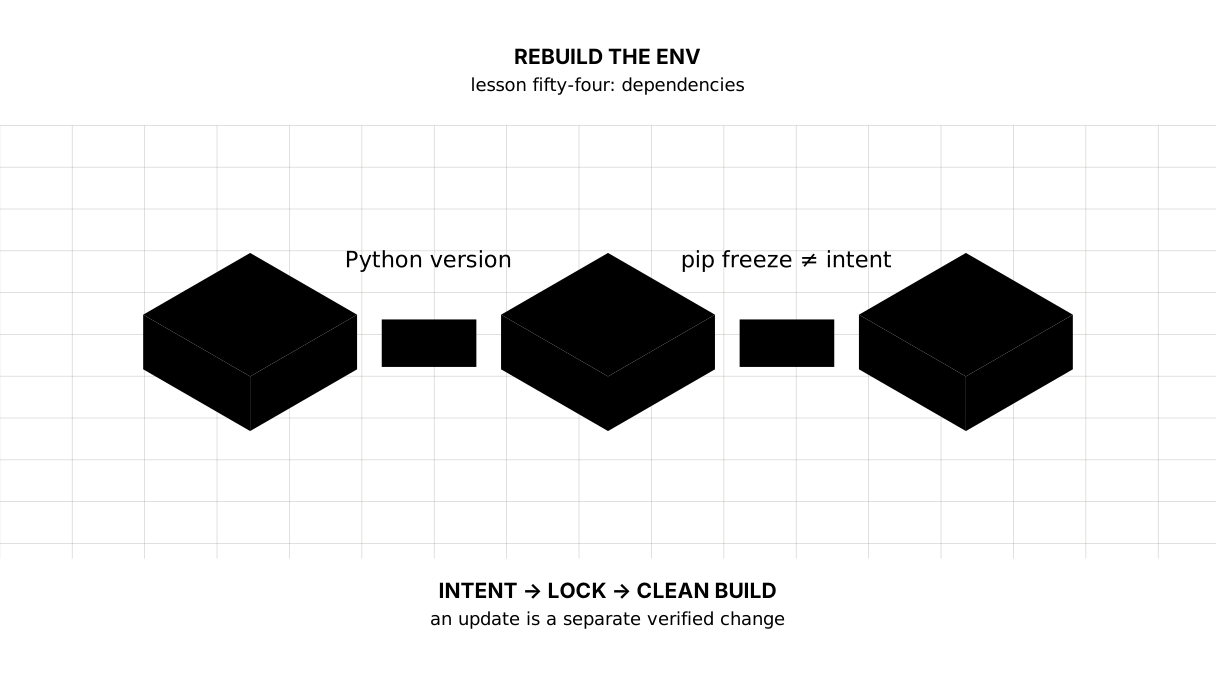
Recall cue: Python + requirements.in → hashed lock → clean environment → tests.
Say it in your own words
- How do
requirements.inandrequirements.txtdiffer? - Why is pinning direct packages alone insufficient?
- What does
pip freezeactually report? - Why rebuild in a clean environment?
Warm-up
1. Predict. Which line reproduces a resolution most precisely?
choices = ["pandas", "pandas>=3", "pandas==3.0.5"]
print(choices[-1])
2. Fill the module invocation.
python ... pip freeze
3. Fix the process. A developer rebuilt the lock but skipped the tests.
Assignment
Required. Create a clean environment, requirements.in, a hashed lock, and .python-version. Install with --require-hashes, then run tests and mypy.
environment: reproducible
tests: passed
types: passed
With your project. Compare pip freeze in an old and clean environment and explain the extra lines.
Optional. Configure automated update proposals, but merge only after tests and diff review.
Where this fits in the project
Step 29 gains an input file, lock, Python version, and one verification path. The final lesson turns this checked snapshot into a published artifact.
Answers
.inrecords direct intent;.txtrecords the exact complete graph.- A transitive package can change behaviour too.
- Current environment state, not project intent.
- To expose undeclared packages and dependence on the author’s machine.
pandas==3.0.5
- The missing part is
-m.
command = "python -m pip freeze"
print(command)
python -m pip freeze
- Perform a clean install, tests,
mypy, and an offline smoke test.
checks = ["install", "pytest", "mypy", "offline"]
print(" -> ".join(checks))
install -> pytest -> mypy -> offline
Sources
- Python: installing packages — environments and pip.
- pip-tools — compiling and syncing dependencies.
- pip: repeatable installs — pins and hashes.
If you have found a mistake or a typo in this article, tell us about it
Comments (0)
Log in to leave a comment →
No comments yet. Be the first.