

Python: from data to your own digest Lesson 18 of 56
HTTP from Python: the status, the bytes, and two different failures
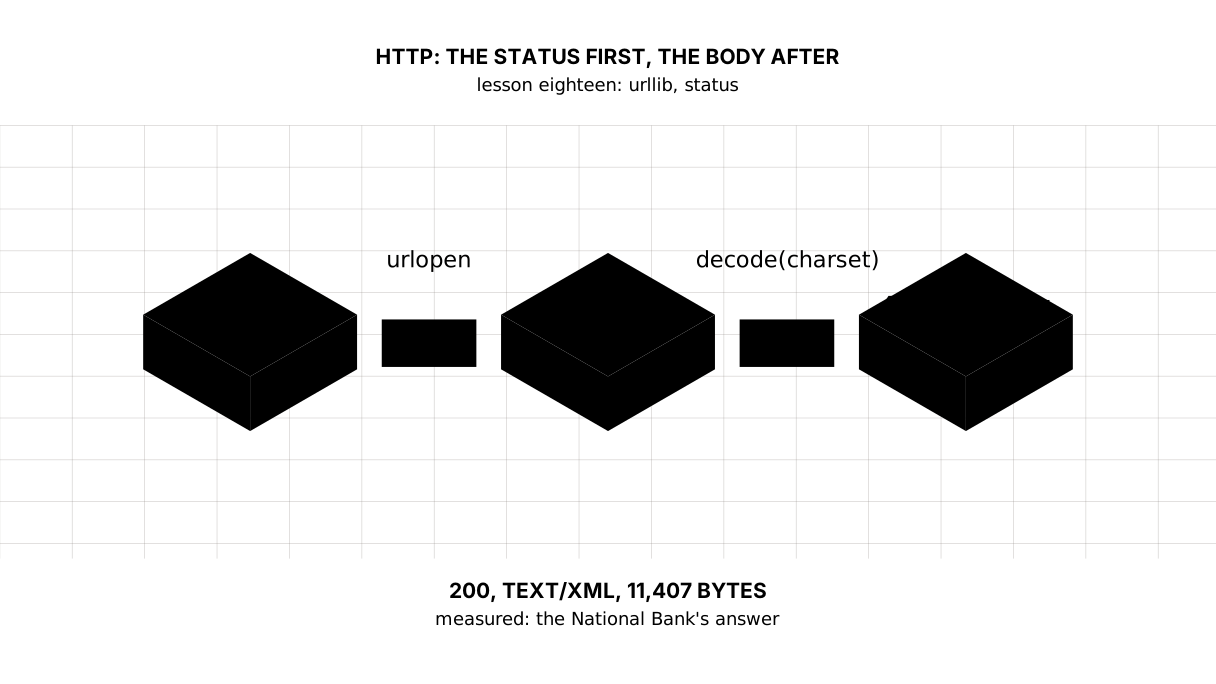
The eighteenth lesson of the Python course. A request to the National Bank: 200, `text/xml`, 11,407 bytes — and those are `bytes`, not a string. Plus the difference that breaks error handling: `HTTPError` means the server said no, `URLError` means there was no answer at all.
Why this is needed
The first lesson already went to the network — and said outright: run it without understanding a thing. Today we understand it.
The data worth counting almost always lives with somebody else: a bank, a statistics office, a weather service. Between your program and them stands HTTP: an address, a request, an answer.
We take it apart on the National Bank’s exchange rates, because among the sources that hand out numbers without a key and without registration, that is the nearest one.
The whole thing at once
The file is surau.py. Run it with python surau.py from inside the environment.
The required part is the first block: the request, the status, the bytes, the charset. The second shows where the date in the address comes from, the third shows the two kinds of failure.
The day is fixed on purpose: yesterday’s rate changes every night, and a lesson has to print what you will get. How to take yesterday itself is in the lesson.
"""Lesson 18: HTTP -- how a program asks somebody else's server.

The first lesson already went to the network without explaining a thing. Today
we take the trip apart: the address, the headers, the status, the bytes -- and
what to do when the server says no.
"""

import urllib.error
import urllib.request
from datetime import date, timedelta

# The National Bank gives the official rates for one day. The date sits in the
# address itself, as day.month.year. The lesson fixes the day, so that the
# output is the same for everybody.
TEMPLATE = "https://nationalbank.kz/rss/get_rates.cfm?fdate={}"
URL = TEMPLATE.format("15.01.2026")

print("== the request and the answer")
request = urllib.request.Request(URL, headers={"User-Agent": "shanraq-course/1.0"})
with urllib.request.urlopen(request, timeout=30) as answer:
    status = answer.status
    kind = answer.headers.get_content_type()
    charset = answer.headers.get_content_charset()
    body = answer.read()

print("status:", status)
print("content type:", kind, "| charset:", charset)
print("received:", len(body), "bytes, data type:", type(body).__name__)

text = body.decode(charset or "utf-8")
print("the first line:", text.splitlines()[0])
print("the date in the answer:", text.split("<date>")[1].split("</date>")[0])

print()
print("== 'yesterday' is a date, not a word")
day = date(2026, 1, 15)
print("the address for that day:", TEMPLATE.format(day.strftime("%d.%m.%Y")))
print("yesterday is worked out as: date.today() -", repr(timedelta(days=1)))

print()
print("== when the server says no")
try:
    urllib.request.urlopen("https://nationalbank.kz/net-takogo-adresa", timeout=30)
except urllib.error.HTTPError as error:
    print("HTTPError — the server answered:", error.code, error.reason)

try:
    urllib.request.urlopen("https://net-takogo-servera.shanraq.invalid", timeout=10)
except urllib.error.URLError as error:
    print("URLError — there was no answer:", type(error.reason).__name__)
It prints:
== the request and the answer
status: 200
content type: text/xml | charset: utf-8
received: 11407 bytes, data type: bytes
the first line: <?xml version="1.0" encoding="utf-8"?>
the date in the answer: 15.01.2026

== 'yesterday' is a date, not a word
the address for that day: https://nationalbank.kz/rss/get_rates.cfm?fdate=15.01.2026
yesterday is worked out as: date.today() - datetime.timedelta(days=1)

== when the server says no
HTTPError — the server answered: 404 Not Found
URLError — there was no answer: gaierror
Taking it apart
The answer arrives as bytes, not as text
received: 11407 bytes, data type: bytes
answer.read() gives bytes — the raw bytes as they came off the network. What turns them into text is decode, and the encoding for it is not invented: the server names it itself, in the Content-Type header.
charset = answer.headers.get_content_charset()
text = body.decode(charset or "utf-8")
The or "utf-8" there is not laziness but a decision: not every server names its charset, and what to do in that case has to be known in advance. It is the same conversation as lesson eleven had about files, except that the agreement about the bytes now arrives together with them.
Picture it. A parcel. What comes off the belt is a box rather than the thing: to get the thing, the box has to be opened with the key written on its label.
The status is the first thing you read
status: 200
200 means “here is the answer”. You will also meet 301 and 302 (moved, and urllib follows by itself), 404 (no such address), 403 (not allowed), 429 (you are asking too often), 500 (something broke at their end).
The rule is simple: the status first, the body second. An error has a body too — a “not found” page is still a page — and parsing that as data gives the strangest errors in the world.
Headers: who is asking, and how long they will wait
request = urllib.request.Request(URL, headers={"User-Agent": "shanraq-course/1.0"})
with urllib.request.urlopen(request, timeout=30) as answer:
User-Agent is the program’s signature. By default urllib signs as itself, and some servers turn such requests away; naming yourself honestly is both more polite and more reliable.
timeout=30 is not optional. Without it the program may wait for an answer for ever: a server is obliged neither to answer nor to close the connection. Five minutes of silence without a timeout looks like a hung program.
with closes the connection the same way it closed a file: even when something failed inside.
Two different failures
HTTPError — the server answered: 404 Not Found
URLError — there was no answer: gaierror
These are different troubles and they are cured differently. HTTPError means the server is alive and answered — it just answered no: wrong address, access closed, too many requests. Here you look at error.code.
URLError means there was no answer at all: no network, the name did not resolve, the connection dropped. The reason is inside (error.reason), and its type shows what happened.
One subtlety matters: HTTPError is a special case of URLError. So the order of the branches decides, exactly as in lesson ten: put the specific one first, or except URLError takes everything and you never see the response code. The third warm-up drill is built on that.
requests — the same thing, but not out of the box
In other people’s code you will almost always see requests rather than urllib:
# the same thing with requests — it is installed separately: pip install requests
import requests

answer = requests.get(URL, timeout=30, headers={"User-Agent": "shanraq-course/1.0"})
print(answer.status_code, answer.headers["content-type"])
print(answer.text[:38])          # the decode is done for you
It is shorter and more convenient: it works out the encoding itself and keeps sessions for you. But it does not come with Python — it has to be installed, which means the program gains a dependency. The course sticks to the standard library so that everything runs everywhere; in your own work take requests — only now you know what it is doing for you.
The map of the lesson
Say it in your own words
Without looking, answer out loud or on paper. The answers are at the end of the lesson.
- Why does
answer.read()give bytes, and where does the encoding fordecodecome from? - How does
HTTPErrordiffer fromURLError, and why does the order of the branches matter? - What is a
timeoutfor, if the network is fast anyway?
Warm-up
Three short steps before the exercise: predict, fill in, fix. The answers are at the end of the lesson, but answer them yourself first.
1. Predict. What does this program print?
body = b'<?xml version="1.0"?>'
print(type(body).__name__, len(body))
text = body.decode("utf-8")
print(type(text).__name__, text[:5])
2. Fill in the gap. In place of ... put what gives the date in the form 15.01.2026.
from datetime import date

TEMPLATE = "https://nationalbank.kz/rss/get_rates.cfm?fdate={}"
day = date(2026, 1, 15)
print(TEMPLATE.format(...))
3. Fix it. The server answered 404, and the program talks about an unreachable network. Find the cause — it is in the order of the branches.
import urllib.error

try:
    raise urllib.error.HTTPError("url", 404, "Not Found", None, None)
except urllib.error.URLError as error:
    print("the network is unreachable:", error.reason)
except urllib.error.HTTPError as error:
    print("the response code:", error.code)
Exercise
Required. Take the dollar rate from the National Bank for a fixed day, 15.01.2026:
TEMPLATE = "https://nationalbank.kz/rss/get_rates.cfm?fdate={}"
Sign the request with a User-Agent of your own and give it a timeout. Read the status and the number of bytes received, decode the body with the charset the server named, and print the date out of the answer. Then pull out the dollar rate and its change over the day — with string methods for now; parsing markup is the next lesson. Handle an error answer from the server in a branch of its own.
The expected output:
status: 200 | bytes received: 11407
the date in the answer: 15.01.2026
the dollar: 510.43 tenge | change over the day: +0.68
Done when: the output matches line by line; the request has both a timeout and a User-Agent of its own; the charset is taken from the answer’s header rather than written in by hand; HTTPError is caught before URLError.
On your own data. Take yesterday’s date — date.today() - timedelta(days=1) — and ask for the rate on it. The number will be different for every reader and on every day: that is the difference between a lesson that prints what was measured and a program that lives in the present tense.
Optional.
- Ask for a day that has not happened yet and see what comes instead of numbers.
- Remove the
User-Agentand compare the answer. - Set
timeout=0.001and read whaturlopenanswers with.
Where this goes in the project
The digest gains a second source. Inflation came from the World Bank once a year; the exchange rate is given by the National Bank every working day, and for the first time the digest has data with a “today” in it.
Still open. We pulled the rate out of markup with string methods — which is not the way, and the next lesson mends it. And we go to the network on every run: a cache on disk has been there since lesson eleven, but tying it to a date is still ahead.
The answers
To the questions
- Because what travels the network is bytes rather than text: HTTP has no duty to know what is inside. The encoding is named by the server itself, in the
Content-Typeheader; you take it from there, and agree on a default for the case where the server said nothing. HTTPErrormeans the server answered, but with a refusal: it has a code (404,403,500).URLErrormeans there was no answer at all: no network, the name did not resolve. The first is a special case of the second, so it has to be caught earlier or the general branch takes everything.- Because a server is not obliged to answer. Without a
timeoutthe program waits for as long as it stays silent, and from outside that looks like a hang rather than “the network is poor today”.
To the warm-up
bytes 21andstr <?xml. What arrives over the network is bytes;decodemakes a string of them, and only a string has the familiar letters.
bytes 21
str <?xml
day.strftime("%d.%m.%Y"). The National Bank expects the date asday.month.year, and that is exactly the format that read two ways in lesson fourteen: here it is named outright.
from datetime import date

TEMPLATE = "https://nationalbank.kz/rss/get_rates.cfm?fdate={}"
day = date(2026, 1, 15)
print(TEMPLATE.format(day.strftime("%d.%m.%Y")))
https://nationalbank.kz/rss/get_rates.cfm?fdate=15.01.2026
HTTPErroris a special case ofURLError, and in a chain ofexceptbranches the particular goes above the general. Otherwise the first branch takes everything and the response code is lost:
import urllib.error

try:
    raise urllib.error.HTTPError("url", 404, "Not Found", None, None)
except urllib.error.HTTPError as error:
    print("the response code:", error.code, error.reason)
except urllib.error.URLError as error:
    print("the network is unreachable:", error.reason)
the response code: 404 Not Found
Sources
If you have found a mistake or a typo in this article, tell us about it
Comments (0)
Log in to leave a comment →
No comments yet. Be the first.