

Python: from data to your own digest Lesson 10 of 56
Errors and exceptions: no file, or rubbish inside it
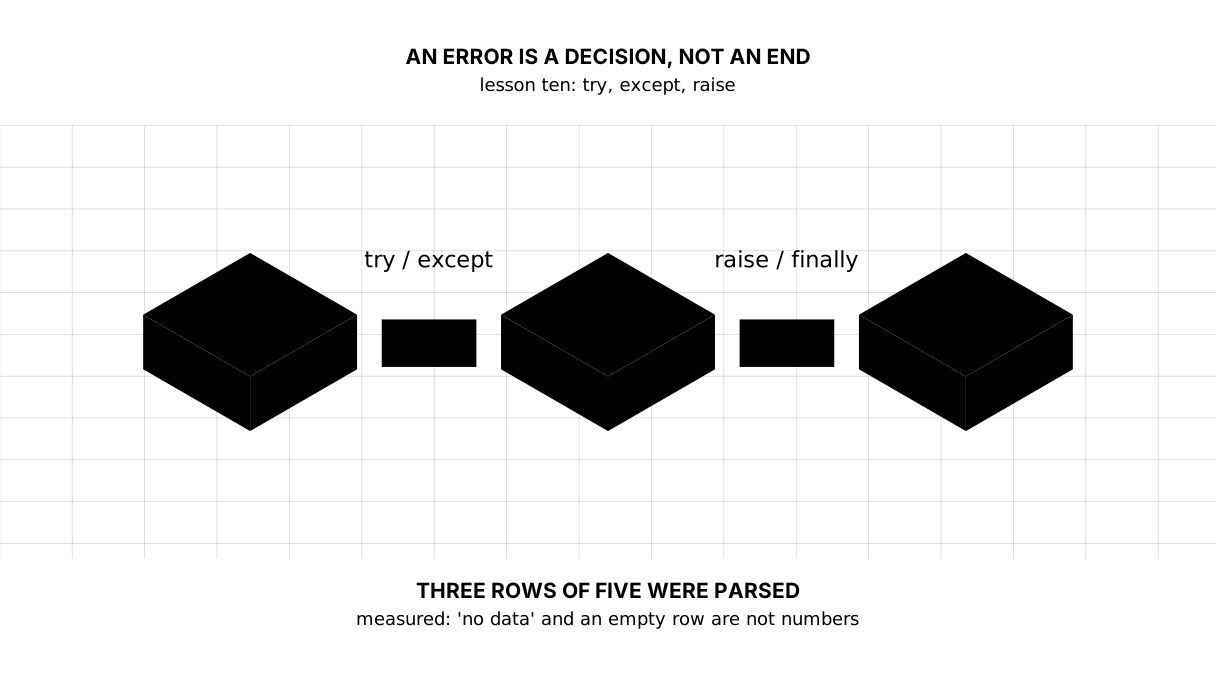
The tenth lesson of the Python course. Three of five rows from somebody else's export made it through: a comma is a full stop, while "no data" and an empty string are not numbers. `try/except/else/finally`, an error name of your own in one line, and the skill that matters — reading a traceback from its last line upwards.
Why this is needed
In the previous lesson assert checked our own assumptions about the calculation. Today something else begins: data that somebody else sent.
Where your code ends and another party’s file begins, an error stops being a sign of a bad programmer and becomes an ordinary event. The file is not there. A word sits where a number should be. The disk is full. The network dropped halfway.
A program that falls over on every such row is useless. A program that silently skips everything is dangerous. What separates them is the ability to name the error and decide what to do with it.
The whole thing at once
The file is qate.py. Run it with python qate.py from inside the environment.
The required part is the first block: try, an except with the error’s name, else, and the accumulator. The second block, about a file and finally, is taken apart below; files themselves come in the next lesson.
"""Lesson 10: an error is not the end of the program but a decision to make.

Data from somebody else's file arrives as it is: with a comma instead of a full
stop, with an empty row, with a word where a number should be. The program has
to know what to do with each of them.
"""


class BadRow(ValueError):
    """A row that could not be parsed. Our own name for our own error.

    This is a class, and today it is needed only as a name: what stands behind
    the word class is taken apart in lesson twenty-one.
    """


# This is what an export from someone's table looks like: five rows, three good.
rows = ["8.0", "15,0", "no data", "", "11.4"]


def to_number(text):
    """Text into a number: a comma counts as a full stop, the rest is BadRow."""
    clean = text.strip().replace(",", ".")
    try:
        return float(clean)
    except ValueError:
        raise BadRow(f"not a number: {text!r}")


print("== parsing the rows")
total = 0.0
count = 0
for text in rows:
    try:
        value = to_number(text)
    except BadRow as error:
        print(f"skipped — {error}")
    else:
        total += value
        count += 1
        print(f"taken: {value}")
print(f"parsed {count} of {len(rows)}, sum {total:.1f}")

print()
print("== a missing file and an unreadable one are different errors")
try:
    with open("dannye.csv", encoding="utf-8") as source:
        print(source.readline())
except FileNotFoundError:
    print("no file: we will take the data from the network")
except OSError as error:
    print("the file is there but will not read:", error)
finally:
    print("finally runs whatever happens")
It prints:
== parsing the rows
taken: 8.0
taken: 15.0
skipped — not a number: 'no data'
skipped — not a number: ''
taken: 11.4
parsed 3 of 5, sum 34.4

== a missing file and an unreadable one are different errors
no file: we will take the data from the network
finally runs whatever happens
Taking it apart
An error has a name, and the names are a family
ValueError, FileNotFoundError, KeyError, ZeroDivisionError are types, like int and str. And they are not scattered about but arranged in a tree: FileNotFoundError is a particular case of OSError, and OSError a particular case of Exception.
A useful consequence follows: catching OSError catches “no file”, “no permission” and “the disk went away” alike. Catching Exception catches everything — including your own typo in a variable’s name.
Picture it. A doctor in casualty. “My stomach hurts” and “my arm is broken” are treated by different people, and the first thing done is to name what happened. A diagnosis of “unwell” cannot be treated.
An except with no name is almost always a mistake
try:
    ...
except:            ← nobody writes this
    pass
A bare except catches everything: the error in the data, the NameError from a typo, and the Ctrl-C you are pressing to stop the program. Along with the error it swallows the reason — and a pass inside says “I do not care what happened”.
The rule is simple: catch what you know how to handle. Let the rest fall over — falling with a clear message is more honest than quiet nonsense in a report.
else on a try: only what can break stays under guard
try:
    value = to_number(text)
except BadRow as error:
    print(f"skipped — {error}")
else:
    total += value
    count += 1
There is one line inside try — the one that may not work. Everything done after it succeeds has moved into else.
That is not for tidiness. What sits inside a try is exactly the line that may not work, so the code shows where trouble was expected. Put total += value inside it and a place nobody guarded would look guarded: addition has an error type of its own, TypeError, and except BadRow does not catch it.
It is worse when the catch is wider. Write except ValueError — the temptation is real, BadRow descends from it — and put a second risky line inside the try, say year = int(year_text). A bad year arrives as that same ValueError, is announced as “not a number” and goes quietly among the skipped rows, and you will look for it in the data rather than in the code. else holds the line: what is risky goes in try, what follows a risk that did not fire goes in else.
The order of the except branches matters
except FileNotFoundError:
    ...
except OSError as error:
    ...
Python goes down the branches and takes the first that fits. FileNotFoundError is a particular case of OSError, so the particular one stands above the general one. Swap them and the first branch takes everything while the second never runs.
finally runs whatever happens
finally fires after success, after an error, and even when the try was left through a return. It is where you close what has to be closed in any case.
In our example the file needs no closing — with does that: it closes the file whatever happens inside. That is why files are almost always opened through with, and finally is left for what with cannot do.
raise and an error name of your own
class BadRow(ValueError):
    """A row that could not be parsed."""
One line, and we have an error name of our own. Inheriting from ValueError says “this is a particular case of a wrong value”: code that catches ValueError catches ours too.
Why bother when ValueError already exists? Because in parsing an export a ValueError can arrive from anywhere — from float, from int, from somebody’s library. BadRow says this row of ours failed to parse, and it can be caught precisely.
raise raises the error. Note where it stands: inside an except. Python remembers that and shows both when it falls:
ValueError: could not convert string to float: 'no data'

During handling of the above exception, another exception occurred:
...
BadRow: not a number: 'no data'
That is convenient: you see both what happened and what we called it. When the second half is in the way, people write raise BadRow(...) from None.
How to read a traceback
A real error looks like this (the paths are shortened):
Traceback (most recent call last):
  File "tb.py", line 12, in <module>
    print(average(["8.0", "no data"]))
          ~~~~~~~^^^^^^^^^^^^^^^^^^^^
  File "tb.py", line 8, in average
    total += to_number(text)
             ~~~~~~~~~^^^^^^
  File "tb.py", line 2, in to_number
    return float(text)
ValueError: could not convert string to float: 'no data'
It is read from the bottom up, and that is the skill this lesson is for.
The last line is what happened: the type of the error and its message. Here float was handed a string it could not turn into a number, and it named the string outright.
The lines above are the road the program travelled to get there: the lowest frame is where it broke, the topmost is where it all started. The ~~~^^^ marks under a line point at the expression at fault when a line holds several.
Hence a habit that saves hours: do not be scared by the length. Look at the last line, then at the nearest frame with your own file in it — the mistake is almost always there rather than deep inside somebody’s library.
The map of the lesson
Say it in your own words
Without looking, answer out loud or on paper. The answers are at the end of the lesson.
- Why does
total += valuesit inelserather than insidetry? - What happens if
except OSErroris put aboveexcept FileNotFoundError? - Which line of a traceback do you read first, and what does it tell you?
Warm-up
Three short steps before the exercise: predict, fill in, fix. The answers are at the end of the lesson, but answer them yourself first.
1. Predict. What does this program print?
def to_number(text):
    return float(text.replace(",", "."))


for text in ["8,0", "no data"]:
    try:
        print(to_number(text))
    except ValueError:
        print("not a number:", text)
2. Fill in the gap. In place of ... put the name of the error that has to be caught here.
prices = {"bread": 260}
try:
    print(prices["milk"])
except ...:
    print("no such item")
3. Fix it. The program prints 8.0 although there are two numbers. Find where the second one went, and make the skipped row say so out loud.
values = ["8.0", "15,0"]
total = 0.0
for text in values:
    try:
        total += float(text)
    except:
        pass
print(total)
Exercise
Required. Given:
rows = ["520", "546,5", "", "no price", "498.0"]
Write an error of your own, BadRow, and a function to_number(text): a comma counts as a point, and anything else raises BadRow with a message that shows the row itself. Walk the list: print a usable row as taken, an unusable one as skipped along with the reason. At the end print how many of how many were parsed, and the average to two decimal places.
The expected output:
taken: 520.0
taken: 546.5
skipped — not a number: ''
skipped — not a number: 'no price'
taken: 498.0
parsed 3 of 5, average 521.50
Done when: the output matches line by line; there is one line inside the try and the accumulating is in the else; there is no bare except anywhere in the program.
On your own data. Take a list of strings as an export delivers them: a number, a number with a comma, an empty string, a word. Write to_number(text) that raises an exception of your own on a row it cannot parse, and a loop that adds the good ones and prints the bad ones with the reason. At the end: how many of how many were parsed.
Optional.
- Add an
except ZeroDivisionErrorbranch to the average and try it on an empty list. - Write
raise BadRow(...) from Noneand compare the traceback with the previous one. - Open a missing file without a
tryand read the traceback aloud: what happened, where, and where it came from.
Where this goes in the project
The digest stops falling over on one bad row. Parsing an export runs to the end, bad rows are named one by one, and the report gains a count: so many parsed, so many skipped — and that number is itself a measure of the source’s quality.
Still open. Skipped rows are printed to the screen for now. Their place is in a log beside the report, so that tomorrow it is visible what failed to parse yesterday.
The answers
To the questions
- Because only what can break is held inside a
try— then the code shows where trouble was expected. Otherwise an error in the next line either brings the program down in a place that looks guarded, or, if theexceptis wider, gets explained by the wrong cause and goes quietly among the skipped rows. - The
FileNotFoundErrorbranch never runs:OSErroris the general case, and Python takes the first branch that fits from the top. The particular always stands above the general. - The last one: it holds the type of the error and its message — what actually happened. Above it is the chain of calls, and there you look for the nearest frame with your own file.
To the warm-up
- First
8.0, then the message:float("8,0".replace(",", "."))is8.0, while “no data” does not become a number, so theValueErrorgoes to theexcept.
8.0
not a number: no data
KeyError— the error of a missing key.ValueErrordoes not apply here: the value is not spoiled, it is simply absent.
prices = {"bread": 260}
try:
    print(prices["milk"])
except KeyError:
    print("no such item")
no such item
- The bare
exceptwith apassswallowed15,0and its reason with it:float("15,0")does not parse, and the error was caught and thrown away without a word. An error is called by its name and said out loud:
values = ["8.0", "15,0"]
total = 0.0
for text in values:
    try:
        total += float(text)
    except ValueError:
        print("skipped:", text)
print(total)
skipped: 15,0
8.0
Sources
If you have found a mistake or a typo in this article, tell us about it
Comments (0)
Log in to leave a comment →
No comments yet. Be the first.