

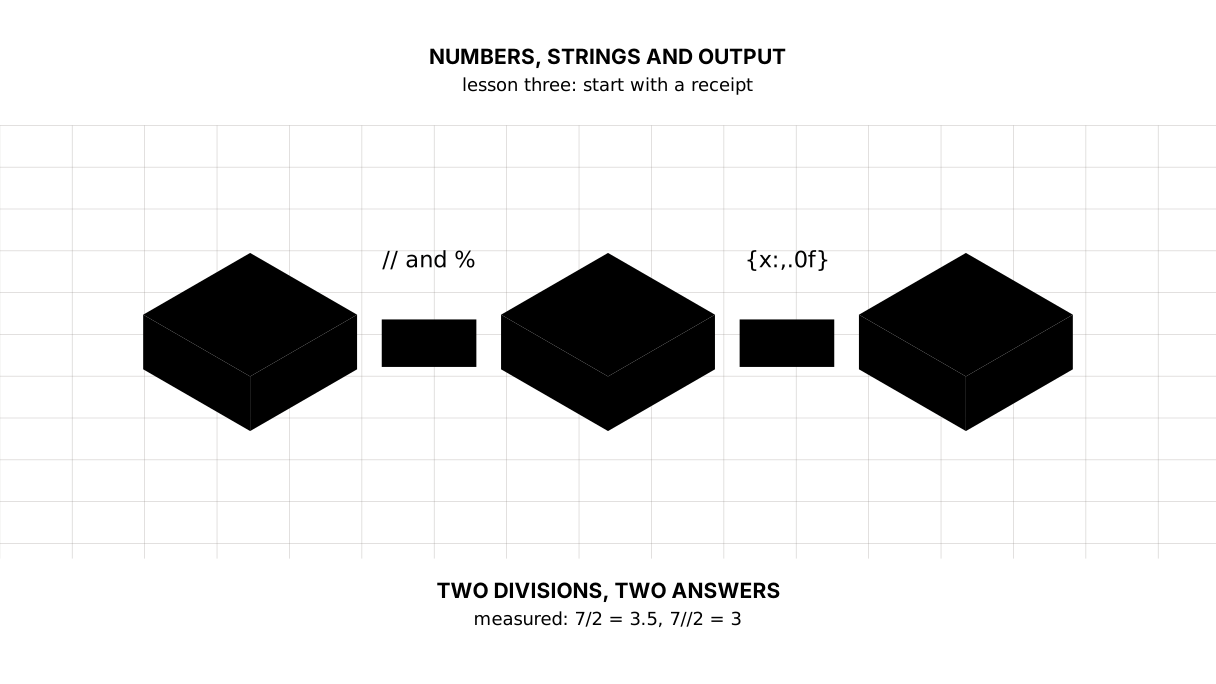
Python: from data to your own digest Lesson 3 of 56
The first program: numbers, strings and output
The third lesson of the Python course. We count on a shop receipt: two divisions instead of one, the remainder, a power, and then strings — trim, replace, cut, glue. And f-strings, which put a number inside text: 52,751,740,084,727 tenge with separators and 11.4% to one decimal place.
Why this is needed
Everything later in the course — tables, charts, models — stands on two things: numbers and strings. Data arrives as a string and the answer comes out as a number, and between them lies the work that is done every day.
Let us start with what is in your pocket: a receipt from a shop.
The whole thing at once
The file chek.py in the project folder. Run it with python chek.py from inside the environment.
"""Lesson 3: numbers, strings and output, on one line of a shop receipt.

Nothing new has to be installed: this is plain Python. A line starting with a
hash is a comment, read by a person rather than by the machine.
"""

# One line of a receipt: the name, how many were taken, the price of one.
LINE = "  Bread ; 2 ; 260  "

print("== numbers")
print("the price of one:", 260)
print("two of them:", 260 * 2)
print("change from a thousand:", 1000 - 260 * 2)
print("a thousand split three ways:", 1000 / 3)
print("whole loaves for a thousand:", 1000 // 260)
print("tenge left over:", 1000 % 260)
print("a thousand squared:", 1000 ** 2)

print()
print("== strings")
print("as it arrived:", repr(LINE))
print("without the edges:", repr(LINE.strip()))
print("in lower case:", LINE.strip().lower())
print("another separator:", LINE.strip().replace(";", "|"))
print("cut on the semicolon:", LINE.strip().split(";"))
print("glued back:", " / ".join(("bread", "milk", "butter")))

print()
print("== f-strings: a number inside the text")
name = "bread"
count = 2
price = 260
print(f"{name}: {count} × {price} tenge = {count * price} tenge")
print(f"inflation for the year: {11.3879454675914:.1f}%")
print(f"the price of one to the tiyn: {1890 / 3:.2f} tenge")
print(f"all the money in the country: {52751740084726.9:,.0f} tenge")

print()
print("== two divisions, and they are different things")
print("ordinary:", 7 / 2, type(7 / 2))
print("whole:   ", 7 // 2, type(7 // 2))
The output:
== numbers
the price of one: 260
two of them: 520
change from a thousand: 480
a thousand split three ways: 333.3333333333333
whole loaves for a thousand: 3
tenge left over: 220
a thousand squared: 1000000

== strings
as it arrived: '  Bread ; 2 ; 260  '
without the edges: 'Bread ; 2 ; 260'
in lower case: bread ; 2 ; 260
another separator: Bread | 2 | 260
cut on the semicolon: ['Bread ', ' 2 ', ' 260']
glued back: bread / milk / butter

== f-strings: a number inside the text
bread: 2 × 260 tenge = 520 tenge
inflation for the year: 11.4%
the price of one to the tiyn: 630.00 tenge
all the money in the country: 52,751,740,084,727 tenge

== two divisions, and they are different things
ordinary: 3.5 <class 'float'>
whole:    3 <class 'int'>
Taking it apart
print is the only window out
While a program prints nothing it does not exist for you. print takes as many values as you like, separated by commas, and puts a space between them.
A line starting with # is a comment: a person reads it, the machine skips it. The lines in triple quotes at the top of the file are an explanation too, but of a special kind: that is a docstring, the description of the module, and we reach it in the lesson on functions.
Two divisions, and confusing them is expensive
Look at the last block of the output:
ordinary: 3.5 <class 'float'>
whole:    3 <class 'int'>
/ always gives a fractional number, even when it divides evenly: 4 / 2 is 2.0, not 2. // rounds down — towards the smaller number, not towards zero. On positive numbers that looks like throwing the fraction away: 7 // 2 is 3. On negative ones the rule shows itself: -7 // 2 is -4, not -3.
Rounding and type are two different things. The type of the result comes from the operands: 7 // 2 is the whole number 3, while 7.0 // 2 is the fractional 3.0. The fraction is thrown away in both cases, but a float does not become an int by dividing evenly.
That is not a detail. “How many loaves at 260 tenge fit into a thousand” is 1000 // 260, three of them, with no “3.84 loaves” about it. And % gives what is left: 220 tenge. The pair // and % answers “how many whole ones and how much change”, and it will be needed everywhere, from pages to time.
** raises to a power: 1000 ** 2 is a million.
Picture it. Dividing loaves among people.
/is the accountant’s answer: “three and a half each”.//is the cook’s: “three each, and one left over”. Both are right, but at the table you want the second.
A string is not the same as what is written in it
repr(LINE) shows the string with its quotes and all its spaces: ' Bread ; 2 ; 260 '. That matters: the spaces at the edges are invisible to the eye but break comparisons and turn a number into text with rubbish in it.
Four methods you will apply to other people’s data daily:
.strip()removes the spaces at the edges. It does not change the string but returns a new one: strings in Python are immutable, and that saves you from a whole class of mistakes;.lower()brings it to lower case, so that “Bread” and “bread” become the same thing;.replace(old, new)replaces;.split(separator)cuts into parts. Back came['Bread ', ' 2 ', ' 260']— that is a list, and it is the next lesson. Notice: the spaces inside the parts are still there;splitdoes not touch them.
And .join() is the reverse: " / ".join(...) assembles parts into one string through a separator. The order here is unfamiliar: the separator comes first, not last.
f-strings: a number inside text
You cannot attach a number to text with a plus — Python will not guess what you meant. There is a better way:
print(f"{name}: {count} × {price} tenge = {count * price} tenge")
The letter f before the quote means that curly braces may stand inside the string and what is in them is worked out. Inside goes not only a name but an expression: count * price was computed on the spot.
After a colon you write how to show the number:
{11.3879454675914:.1f}→11.4, one decimal place;{1890 / 3:.2f}→630.00, two places, as money wants;{52751740084726.9:,.0f}→52,751,740,084,727, separators and no decimals.
That last line is all the money in Kazakhstan. Without the separators it cannot be read, and in reports that will be a topic of its own.
The map of the lesson
Say it in your own words
Without looking, answer aloud or on paper. The answers are at the end of the lesson.
- How does
7 / 2differ from7 // 2— and not only in the result? - Why does
" Bread ".strip()not change the string itself? - What does the colon inside the curly braces of an f-string do?
Warm-up
Three short steps before the exercise: predict, fill in, fix. The answers are at the end of the lesson, but answer them yourself first.
1. Predict. What does this line print?
print(7 / 2, 7 // 2, 7 % 2)
2. Fill in the gap. In place of ... put the format that leaves two digits after the point.
print(f"{1 / 3:...}")
3. Fix it. The program falls over. Read the error and make the line print.
print("total: " + 780)
Exercise
Required. Given:
price = 260
count = 3
paid = 1000
Print five lines: what the item costs in all; the change from the sum paid; how many whole loaves fit into the sum paid and what is left over; the price of one in dollars at a rate of 540, to two decimal places; and a line where the name, the count and the total are put together by an f-string.
The expected output:
for the item: 780 tenge
change from 1000: 220 tenge
whole loaves for 1000: 3, left over 220
the price of one in dollars: 0.48
text and number together: bread × 3 = 780
Done when: the output matches line by line; “whole ones and change” are worked out with // and % rather than by rounding; no number is glued to text with a +.
On your own data. Take a real receipt from a shop. Write a program that prints: the sum for one item (price × quantity), the change from a round sum, how many of that item a thousand tenge buys, and how much is left over. Print every number with an f-string to two decimal places.
If you want more.
- Work out what the same receipt would have cost in 2010: divide every price by 3.48, the multiplier from the first lesson.
- Print the same number three ways:
{x},{x:.2f},{x:,.0f}. See which one reads best. - Take the string
" PRICE ; 1 200,50 ; tg "and bring it toprice;1200.50;tgusing only string methods, without loops.
Where this goes in the project
Today’s material is the foundation of everything after it: prices add up, indices divide, and data from the world arrives as a string that has to be cleaned. In the next lesson we deal with types: why "260" and 260 are different things, and why 0.1 + 0.2 is not 0.3.
The debts. We cut a string and got a list, but what to do with it we do not know: that is the lesson on lists. We printed numbers but saved none: variables are the next lesson. And the whole receipt is still taken apart by hand, line by line — loops are five lessons away.
The answers
To the questions
- In the result and in the type:
7 / 2is3.5, a floating-point number;7 // 2is3, a whole one. Division with/always returns afloat, even when it divides exactly; with//the type comes from the operands, so7.0 // 2is3.0. - Because strings in Python are immutable: any method returns a new string while the original stays as it was. To keep the result you have to assign it.
- It sets the format: how many decimal places (
.2f), whether to group the thousands (,), and how to align. The number itself does not change — only the way it was shown.
To the warm-up
3.5 3 1./always gives a fractional number,//rounds down,%returns the remainder. Three different answers to one question of “how many”.
3.5 3 1
.2f. The point with a number is how many digits go after it, and thefsays to print an ordinary number rather than scientific notation.
print(f"{1 / 3:.2f}")
0.33
- Python does not understand a
+between a string and a number:TypeError: can only concatenate str (not "int") to str. Numbers are joined to text by a comma insideprintor by an f-string, which turns the number into text itself:
print(f"total: {780}")
total: 780
Sources
If you have found a mistake or a typo in this article, tell us about it
Comments (0)
Log in to leave a comment →
No comments yet. Be the first.