

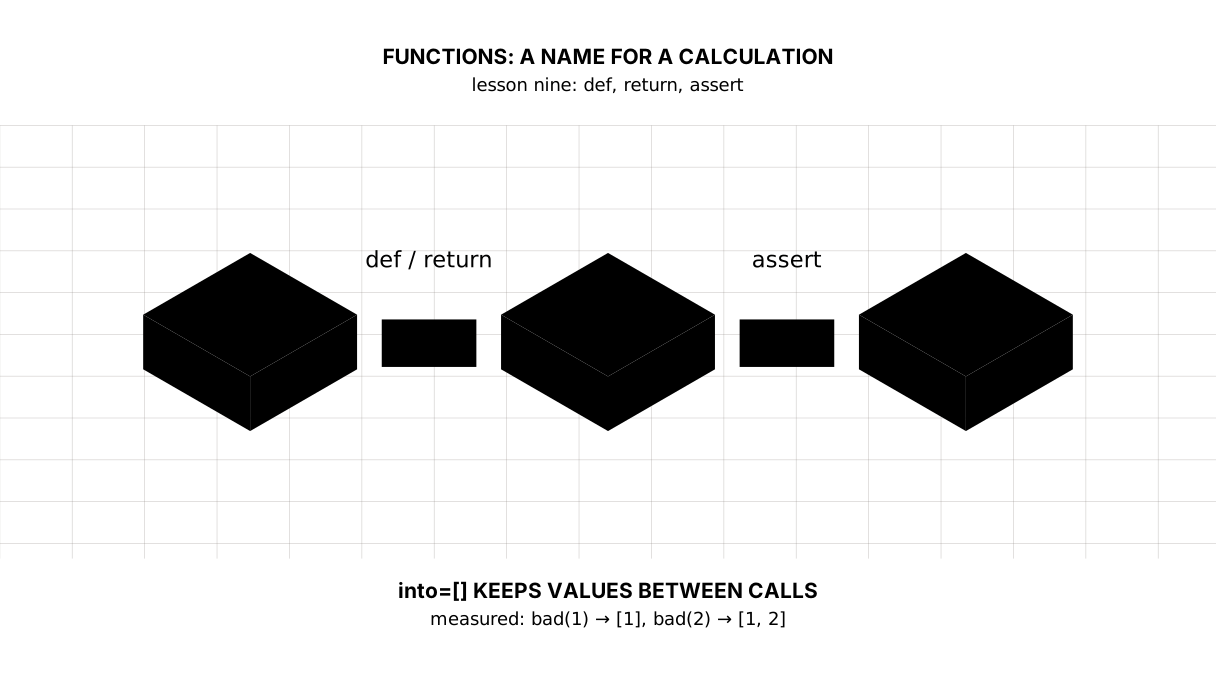
Python: from data to your own digest Lesson 9 of 56
Functions: a name for a calculation, and an assert that catches a wrong number
The ninth lesson of the Python course. The walk over a series gets a name and works on any series: Kazakhstan at 11.52%, the world at 4.68%. Plus an `assert` that stops the calculation on an empty series, the `lambda` in `sorted(key=)`, and a measured trap: `into=[]` in a header keeps its values between calls.
Why this is needed
In the previous lesson the walk over a series was written inside the program. To count the same thing over a second series it would have to be copied — and from that moment there are two copies, which part company at the first correction.
A function gives a piece of a calculation a name. After that it is called as often as needed, lives in one place, and is corrected once.
The second thing that arrives today matters more than syntax in a course about data: a check inside the calculation. A wrong number does not shout — it travels quietly into the report and looks like a real one. assert is the first way to put something in its path.
The whole thing at once
The file is func.py. Run it with python func.py from inside the environment.
The required part is the two functions and their calls: def, return, an argument with a default value, and assert. Everything after that — lambda, *args, scope — is taken apart separately below and is not needed for the exercise.
"""Lesson 9: a function — a name for a piece of a calculation.

In the previous lesson the walk over a series was written inside the program.
To count the same thing over a second series it would have to be copied. A name
settles that.
"""

# Inflation for the year, %: Kazakhstan and the world. Figures from lesson one,
# the World Bank.
kz = {2021: 8.0, 2022: 15.0, 2023: 14.5, 2024: 8.7, 2025: 11.4, 2026: None}
world = {2021: 3.5, 2022: 8.1, 2023: 5.8, 2024: 3.0, 2025: 3.0}


def average(series):
    """The average of a series; years without a figure are left out."""
    total = 0.0
    count = 0
    for value in series.values():
        if value is None:
            continue
        total += value
        count += 1
    assert count > 0, "the series holds no figures at all"
    return total / count


def above(series, other, since=2021):
    """The years in which the first series is above the second, from since on.

    A year without a number in either series does not count.
    """
    years = []
    for year, value in series.items():
        if year < since or value is None or other.get(year) is None:
            continue
        if value > other[year]:
            years.append(year)
    return years


print("== the five-year average")
print(f"Kazakhstan: {average(kz):.2f}%")
print(f"the world:  {average(world):.2f}%")

print()
print("== the years above the world's")
print("all:       ", above(kz, world))
print("from 2023: ", above(kz, world, since=2023))

print()
print("== the three highest years")
pairs = []
for year, value in kz.items():
    if value is not None:
        pairs.append((year, value))
top = sorted(pairs, key=lambda pair: pair[1], reverse=True)
print(top[:3])
It prints:
== the five-year average
Kazakhstan: 11.52%
the world:  4.68%

== the years above the world's
all:        [2021, 2022, 2023, 2024, 2025]
from 2023:  [2023, 2024, 2025]

== the three highest years
[(2022, 15.0), (2023, 14.5), (2025, 11.4)]
Taking it apart
def, the indent, and return
def average(series):
    ...
    return total / count
def sets up a name, the brackets list the arguments, and a colon with an indent marks the body — as with if and for. return hands a value back out and ends the function there: lines after it are not executed.
A function without a return works too, but it returns None — the same “no number” as in lesson seven. A forgotten return gives you not an error but a hole in the calculation, and that takes a long time to find later.
The string in triple quotes right after def is a docstring, the function’s description. We have seen one at the top of a file; here it explains a single piece rather than the program, and it is the place to say what the function does with gaps.
Saying it is not enough; it has to be done. Inside above the gap is checked on both sides: other.get(year) is None covers both “the other series has no such year” and “the year is there but the number is not”. Check only our own series and value > other[year] would one day meet a None and raise a TypeError instead of answering. A function that promises to work with gaps owes that promise to every gap that reaches it.
Picture it. A recipe with a name. While it lives in your head you retell it every time; written down and named, it is passed on in one phrase.
An argument with a default, and calling by name
def above(series, other, since=2021):
since=2021 is a default: call without it and you get it. above(kz, world, since=2023) passes the argument by name, and the call itself says what 2023 means.
That is a habit worth having: above(kz, world, 2023) works the same, but a reader has to remember what the third argument was. The name in the call spares them that.
The trap: into=[] in a function’s header
A default value is worked out once, when Python reads the def, not on every call. For a number that goes unnoticed; for a list it is a disaster:
def bad(value, into=[]):
    into.append(value)
    return into

bad(1) → [1]
bad(2) → [1, 2]      ← the same list as last time
The second call got a list with somebody else’s value inside. The way to write it:
def good(value, into=None):
    if into is None:
        into = []
    into.append(value)
    return into

good(1) → [1]
good(2) → [2]
The rule is simple: only something unchangeable belongs as a default in a header — a number, a string, None. Lists, dictionaries and sets are made inside.
assert: stop where the mistake happened
assert count > 0, "the series holds no figures at all"
assert checks what you believe to be true, and when it is not, it stops the program with your own words:
AssertionError: an empty series
Without it, average on an empty series would fall over a floor below on a division by zero — with a message about division rather than about the data. assert catches the mistake where it arose and says it in human words.
And an important caveat. assert checks your assumptions about the calculation, not what a user sent: running python -O switches every one of them off. Data from somebody else’s file is checked with an ordinary if and a clear error; assert belongs where “this cannot happen, and if it can, I want to know at once”.
lambda and key=: the promise from the lesson on lists
top = sorted(pairs, key=lambda pair: pair[1], reverse=True)
In the lesson on lists we sorted tuples with itemgetter and promised to write a function of our own. Here it is: lambda pair: pair[1] is a function without a name that takes a pair and hands back its second element. sorted calls it for every item and sorts by what came back.
The same thing can be written with def, and for anything longer than one line that is what people do. A lambda earns its place exactly where the function is shorter than a name for it would be.
As many arguments as you like: *args and **kwargs
Sometimes you do not know in advance how many values will arrive:
def report(title, *values, **options):
    digits = options.get("digits", 1)
    out = []
    for value in values:
        out.append(f"{value:.{digits}f}")
    return f"{title}: " + ", ".join(out)

report("inflation", 8.0, 15.0, 14.5)         → inflation: 8.0, 15.0, 14.5
report("inflation", 8.0, 15.0, digits=2)     → inflation: 8.00, 15.00
One star gathers the extra positional arguments into a tuple, two stars gather the named ones into a dictionary. The names args and kwargs are only a convention; the stars are what does the work.
You will need this rarely in your own code and read it often: half the functions in other people’s libraries are built this way.
A name inside a function belongs to it
count = 0

def bump():
    count = count + 1

bump()
→ UnboundLocalError: cannot access local variable 'count' where it is not associated with a value
An assignment inside a function creates a new, local name. Python sees count = ... in the body and treats count as local throughout the function — including the line that tries to read it before the assignment.
The word global turns that off, but the right answer is almost always a different one: take the value as an argument and return the result. A function that touches nothing outside itself is checked with a single call — and that is half the point of today’s lesson.
The map of the lesson
Say it in your own words
Without looking, answer out loud or on paper. The answers are at the end of the lesson.
- What does a function with no
returnhand back? - Why is
into=[]in a header a mistake whileinto=Noneis not? - How does
assertdiffer from checking data with anif?
Warm-up
Three short steps before the exercise: predict, fill in, fix. The answers are at the end of the lesson, but answer them yourself first.
1. Predict. What does this program print?
def average(series):
    total = 0.0
    count = 0
    for value in series:
        if value is None:
            continue
        total += value
        count += 1
    return total / count


print(average([8.0, None, 15.0]))
2. Fill in the gap. In place of ... put the condition: a year is taken when it has a number and that number is above the limit.
def above(series, limit):
    years = []
    for year, value in series.items():
        if ...:
            years.append(year)
    return years


print(above({2024: 8.7, 2025: 11.4, 2026: None}, 10))
3. Fix it. The program prints a number and then None. Explain why, and make the second line show the average.
def average(series):
    print(sum(series) / len(series))


result = average([8.0, 15.0])
print("average:", result)
Exercise
Required. Given:
kz = {2023: 14.5, 2024: 8.7, 2025: 11.4, 2026: None}
world = {2023: 5.8, 2024: 3.0, 2026: 2.9}
Write average(series) — the average over a series, gaps left out, an empty series stopped by an assert with a clear message. Write above(series, other) — the years in which the first series is above the second; a year without a number in either series does not count. Print the average of each series to two decimal places and the list of years.
The expected output:
average for Kazakhstan: 11.53
average for the world: 3.90
above the world: [2023, 2024]
Done when: the output matches line by line; average is called twice rather than written twice; above does not fall over on 2026, where both sides are None, and does not take 2025, which the second series does not have.
On your own data. Write a function average(series) for your own series from the previous lesson: gaps are left out, and an empty series is stopped by an assert with a clear message. Write a second one — above(series, limit) — that returns the list of keys whose value is greater than limit, and call it twice with different limits.
All of it is put together in step-3 — compare once you have written your own.
Optional.
- Give
averagean argumentdigits=2and round the result. - Sort your own pairs with
sorted(key=lambda ...), by value and by key. - Write a function with
into=[], call it three times, and look at what accumulated.
Where this goes in the project
The digest gets its first names: “the average of a series”, “the years above the norm”. Later they move into a file of their own and become a module, and the calculation in the main program stays three lines long.
Still open. Our one check sits inside the calculation. Real checks live apart from the code they check; pytest comes at the end of the course, but an assert in the right place works today.
The answers
To the questions
None. A function without areturnruns to its end and hands back emptiness — not an error, which is why a forgottenreturnis not visible at once.- Because a default is worked out once, when the
defis read. The list made then lives on between calls and gathers other calls’ values;Nonecannot change, and a new list is made inside on every call. assertchecks the author’s assumption about the calculation and is switched off by runningpython -O. Data that arrives from outside is checked with an ordinaryifand a clear error — an assert cannot be relied on for that.
To the warm-up
11.5. The gap reached neither the sum nor the counter, so23.0is divided by2rather than by3.
11.5
value is not None and value > limit. The order matters: put the comparison first and the program falls over on the gap, becauseNone > 10cannot be compared.
def above(series, limit):
    years = []
    for year, value in series.items():
        if value is not None and value > limit:
            years.append(year)
    return years


print(above({2024: 8.7, 2025: 11.4, 2026: None}, 10))
[2025]
- The function prints but returns nothing, and a function without a
returnreturnsNone— which is whatresultgot. Printing and returning are different things: printing shows a person,returnhands the value to the program.
def average(series):
    return sum(series) / len(series)


result = average([8.0, 15.0])
print("average:", result)
average: 11.5
Sources
If you have found a mistake or a typo in this article, tell us about it
Comments (0)
Log in to leave a comment →
No comments yet. Be the first.